
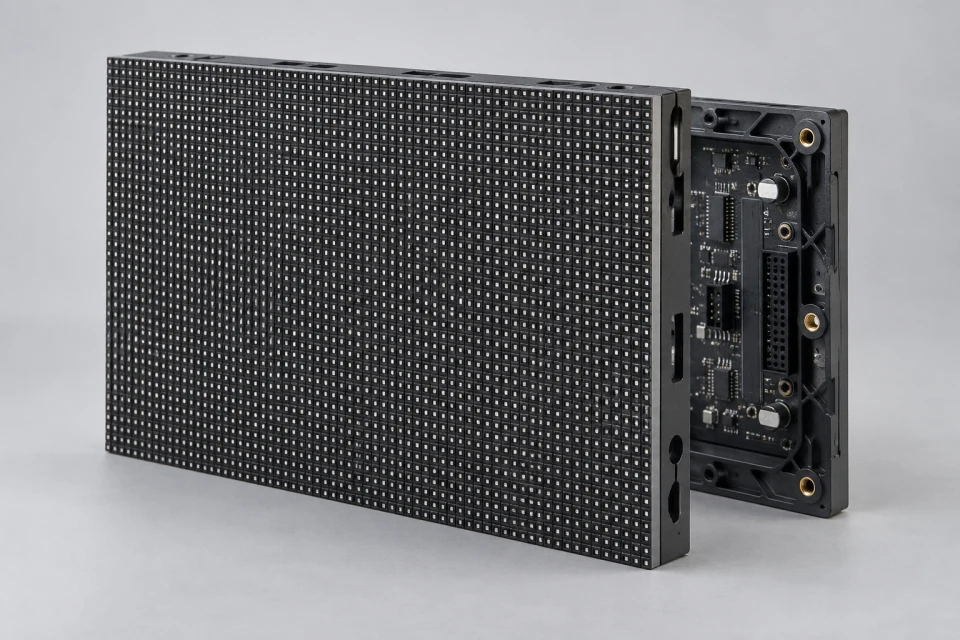
Display Face
LED modules determine pixel pitch, viewing distance, brightness class and service approach.
Explore Modules
The display face, control path, power path and enclosure work together. See how each family contributes.
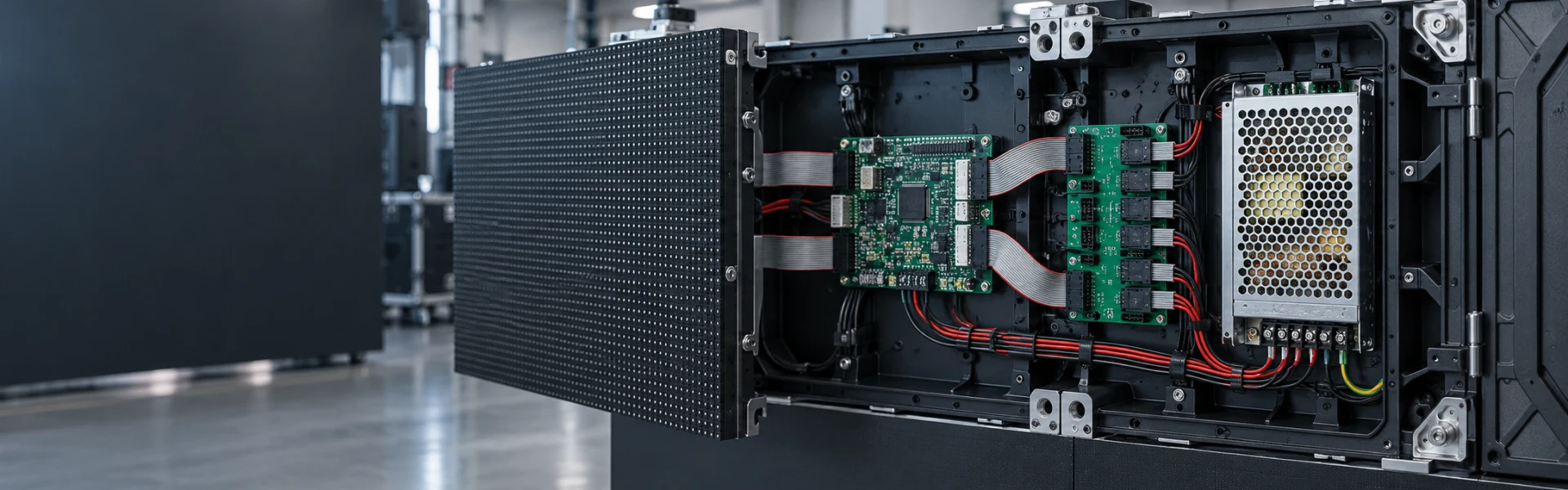
The right component choice depends on what it connects to. This overview groups the hardware by function so a purchasing list can be checked for gaps and conflicting interfaces.
LED modules determine pixel pitch, viewing distance, brightness class and service approach.
Explore Modules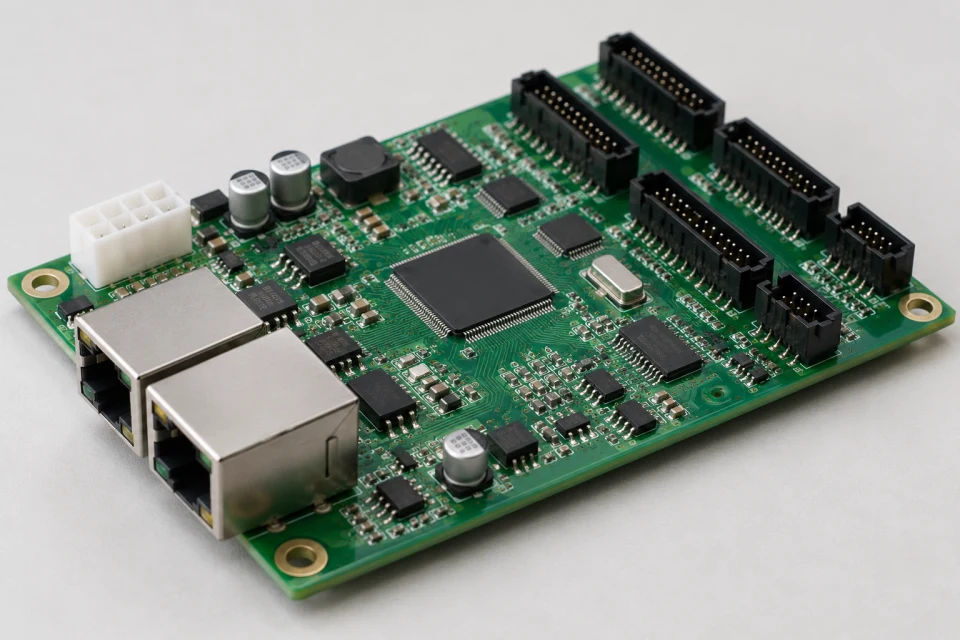
Sending hardware, receiver cards and HUB boards move mapped image data to the modules.
Explore Control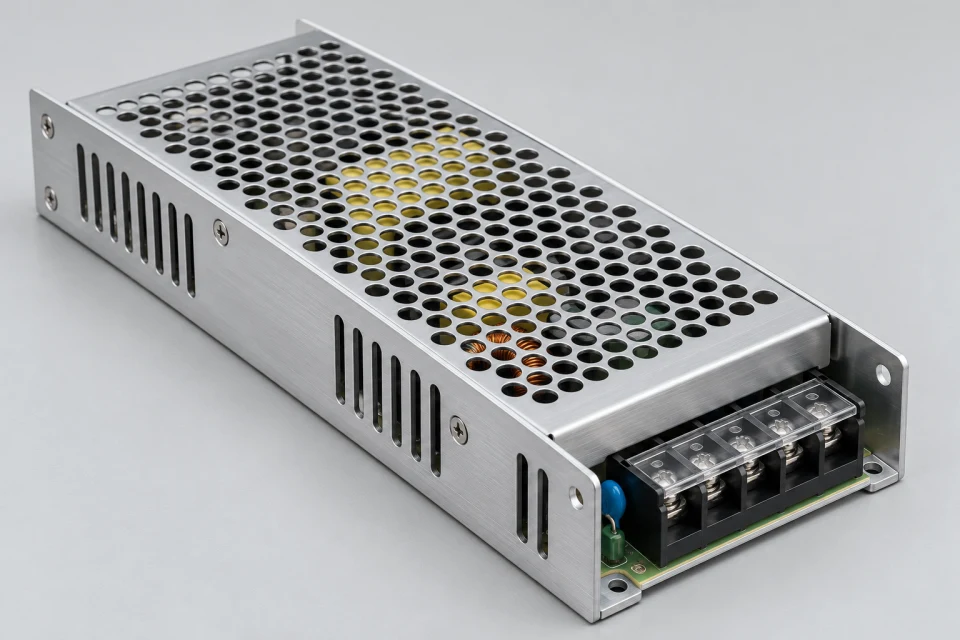
Supplies, distribution and connectors deliver the required voltage with suitable routing.
Explore Power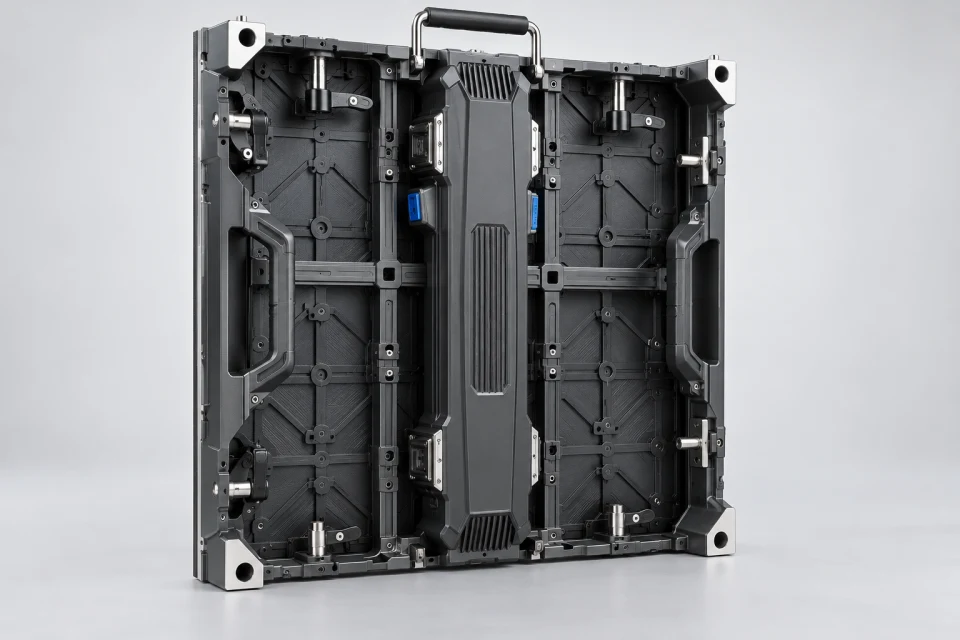
Cabinets locate the modules, protect the hardware and define access for installation and service.
Explore CabinetsShare the current parts list or a sketch of your intended display and we can identify the key interfaces.