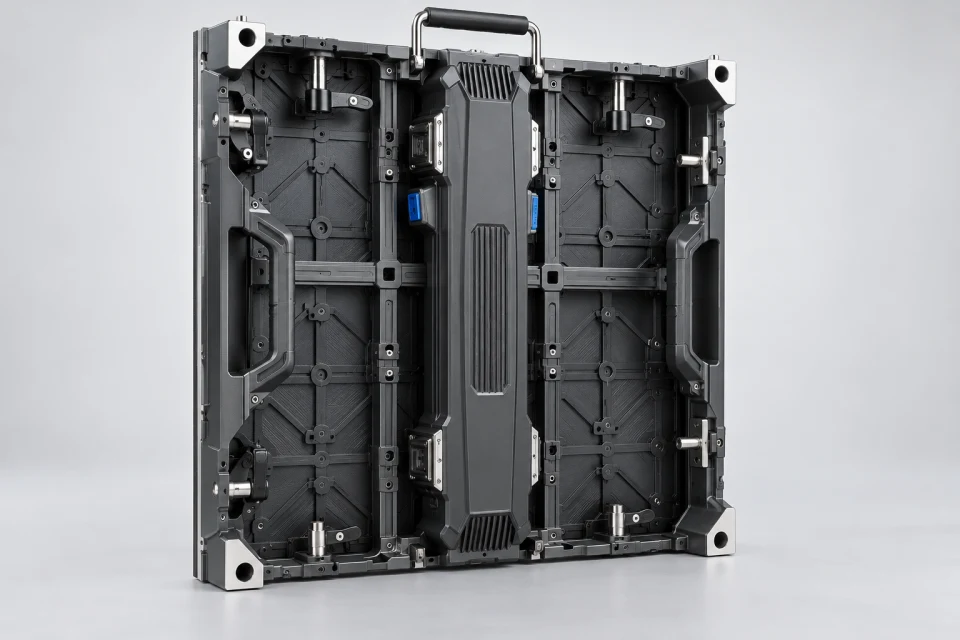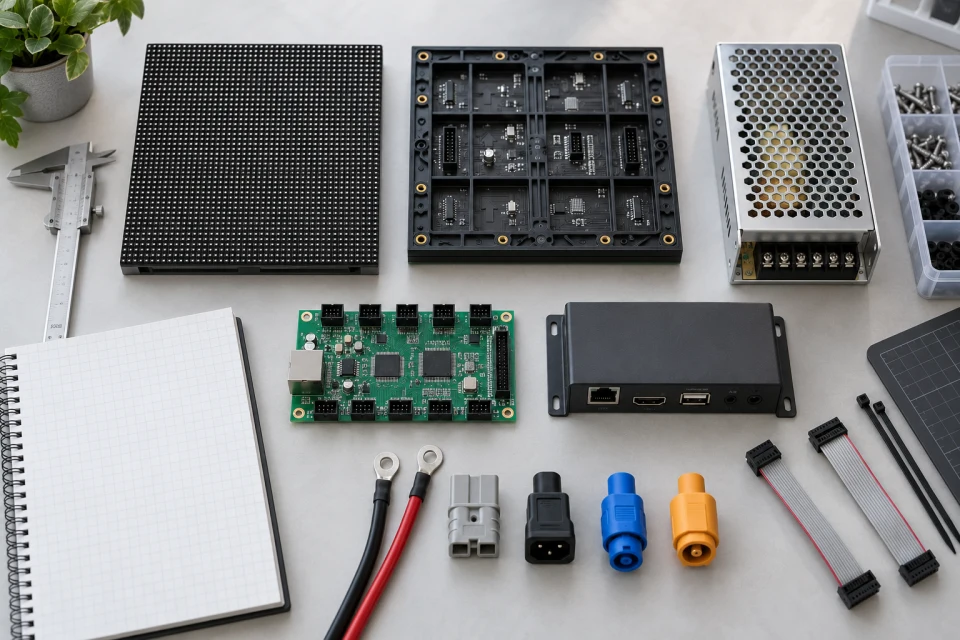
Record the physical format
Measure the module width and height, note pixel resolution and document the fixing points. Confirm whether technicians can reach the module from the front or the rear.
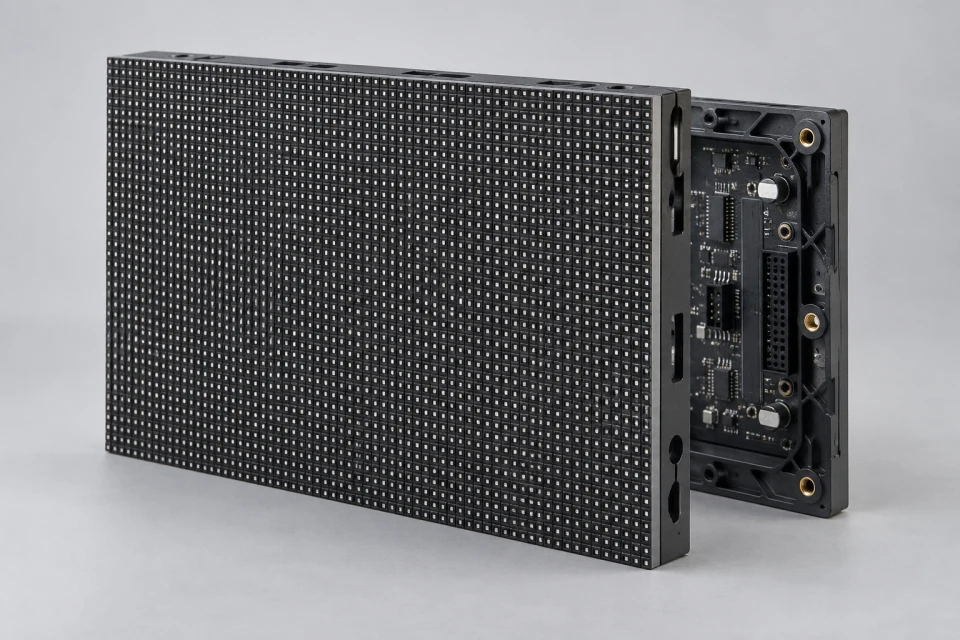
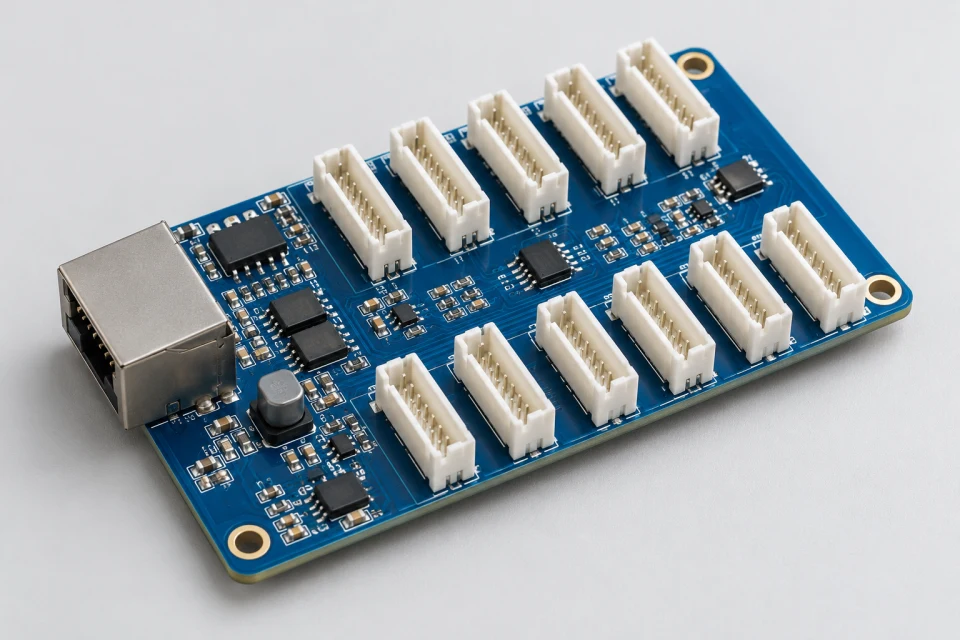
Identify the electrical and data interface
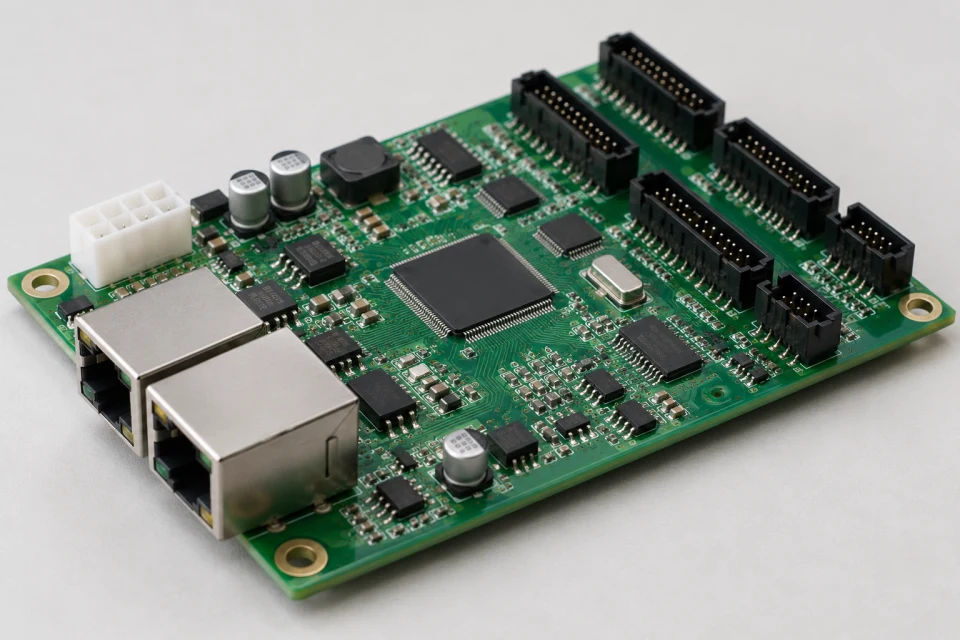
Photograph the power and HUB connectors, record input voltage, and compare scan mode and driver configuration with the controller documentation. Connector shape alone does not prove pinout compatibility.
Plan visual matching
Brightness, color calibration and LED binning may make a replacement panel noticeable beside aged modules. Record the installed screen condition and ask how a spare can be configured.
Keep a useful spare record
Store the approved module model, cabinet location, configuration reference and source of replacement units with the maintenance documentation.