
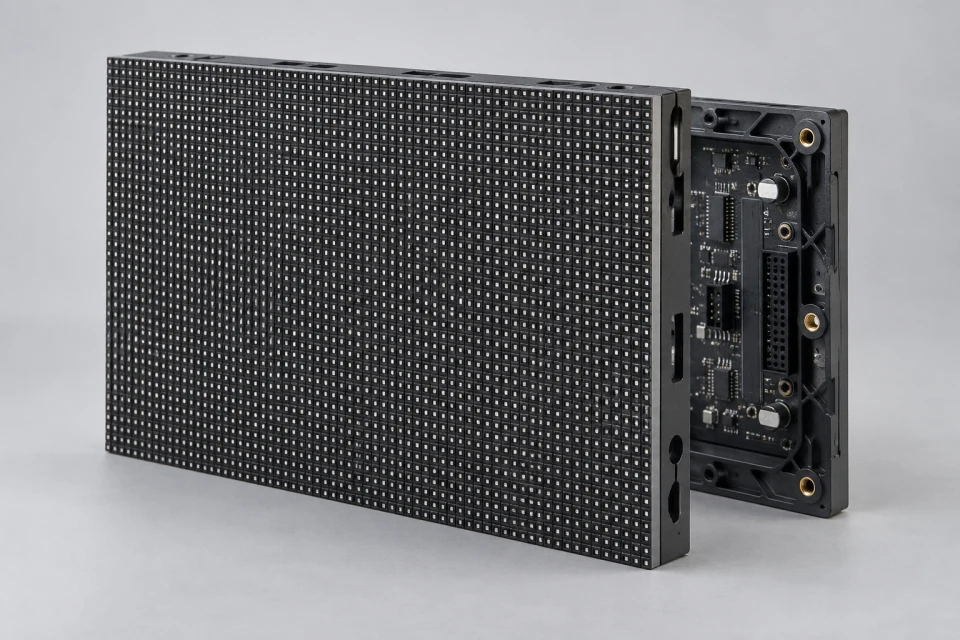
LED Display Module
Set the module grid against the target wall dimensions and viewing distance, then allow access to replace a panel without disturbing neighbouring cabinets.

This reference explains how to plan a component list for an indoor video wall. It is an illustrative configuration; final models and quantities depend on the actual site and approved drawings.

Use this illustrative indoor video wall upgrade to see which interfaces should be recorded before selecting components. The final screen size, access method and models are project specific.
Set the module grid against the target wall dimensions and viewing distance, then allow access to replace a panel without disturbing neighbouring cabinets.
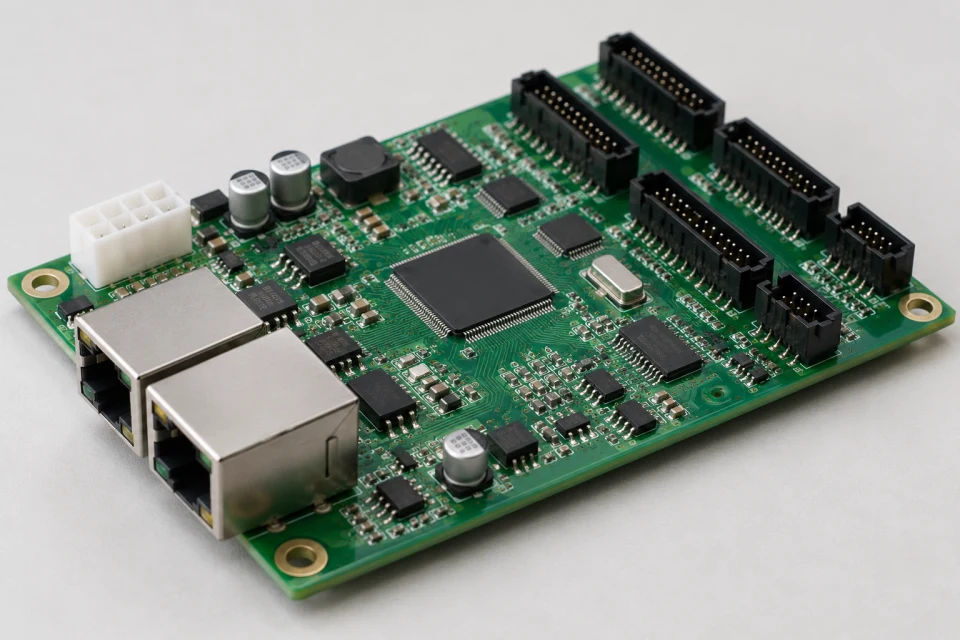
Allocate cabinet pixels to receiving cards and document the sender port map so the indoor wall can be configured and serviced consistently.
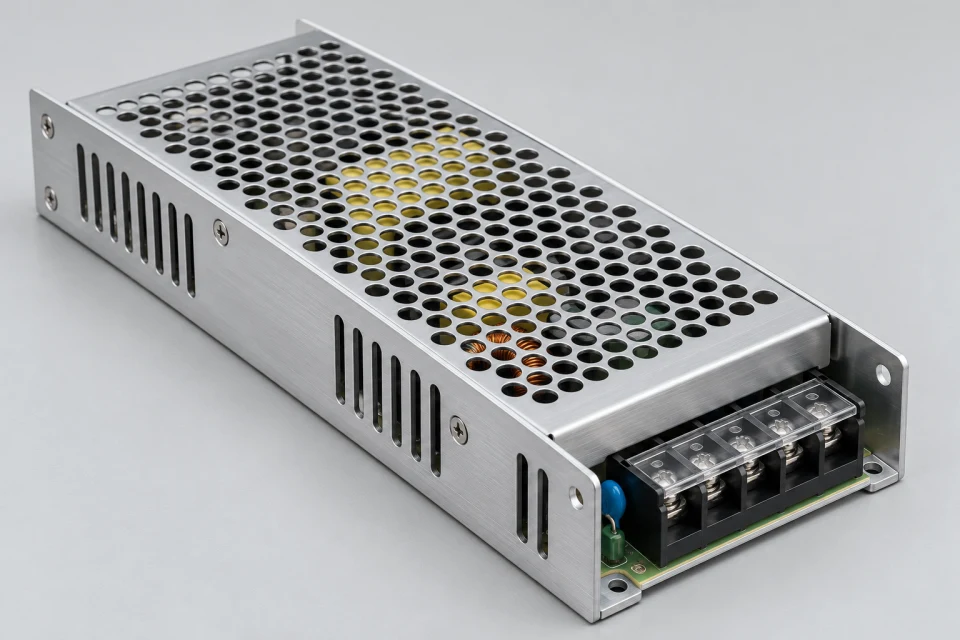
Estimate load by cabinet, group supplies and plan protected AC distribution with access to each replaceable unit.
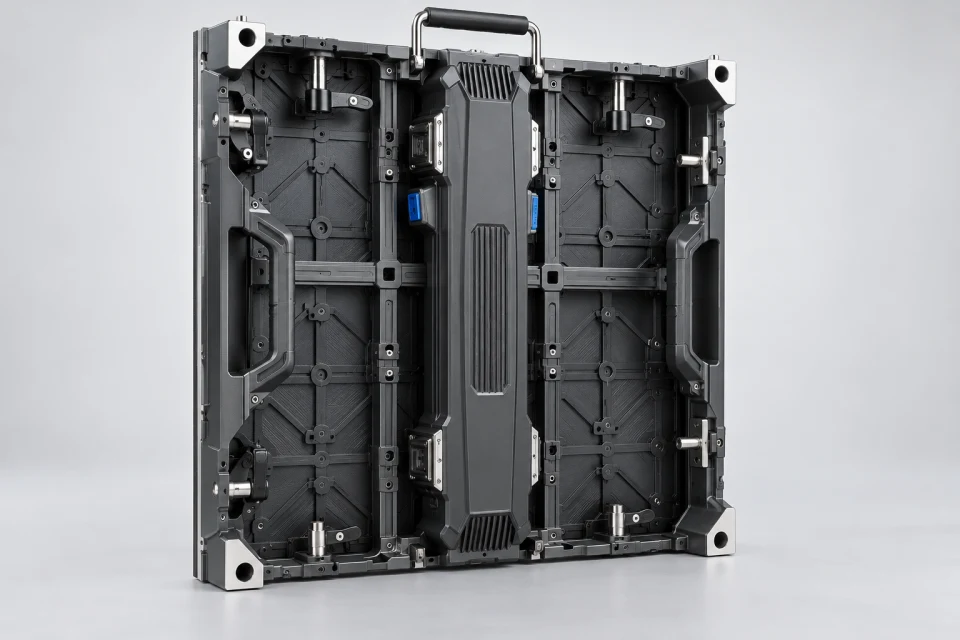
Check cabinet geometry, alignment and mounting access against the existing support structure before finalising the wall layout.
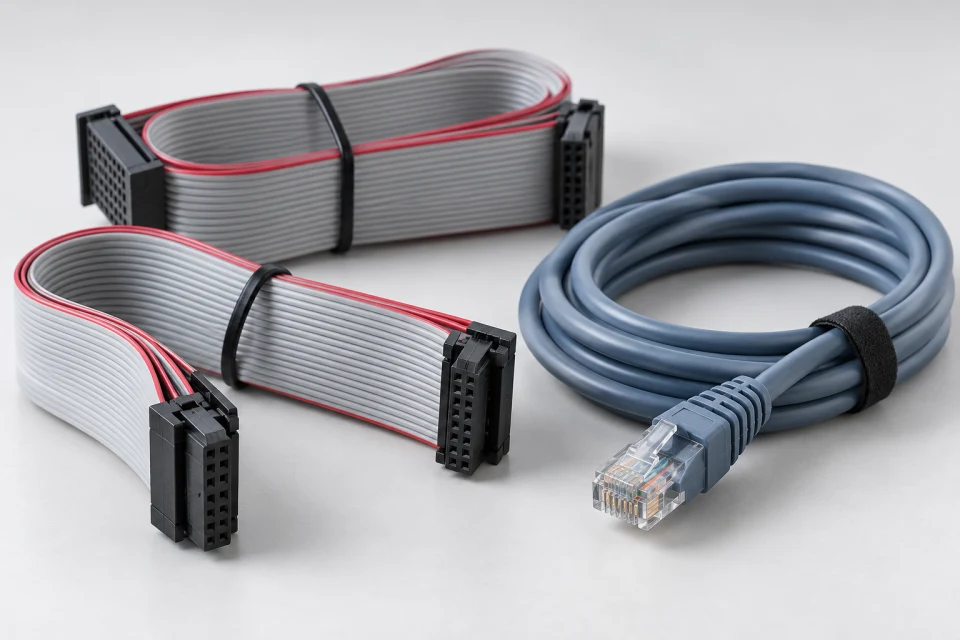
Route and label internal data links around the chosen receiver and HUB layout, leaving clearance for the planned service direction.
Set the required viewing distance and display area, then confirm module pitch, size and cabinet grid. Verify how the screen will be accessed for service.
Calculate total and per-cabinet resolution. Select a compatible sending and receiving platform, HUB interface and port map. Keep a backup of approved configuration files.
Review expected load, power-supply allocation, AC feed, cabinet access and signal-cable routing within the video wall.
Document part models, cable labels, spare quantities and the checks required before the screen enters service.
A structured review connects the module grid, control mapping, power plan and enclosure details. It highlights the information needed to prepare a project-specific bill of materials; it is not a claim of a completed customer installation.
Send your drawing, available power information and intended display dimensions to discuss a suitable parts list.