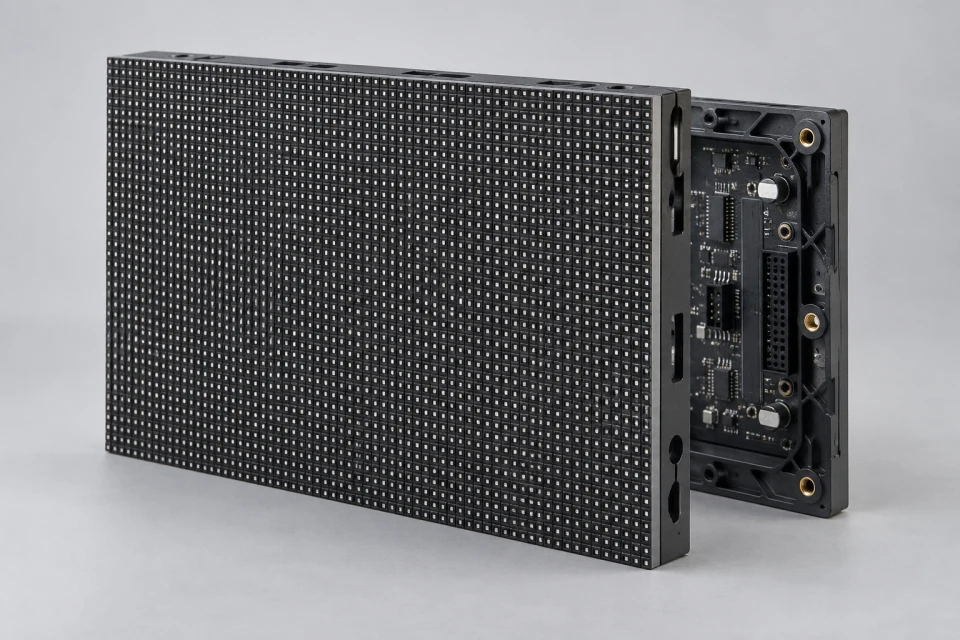
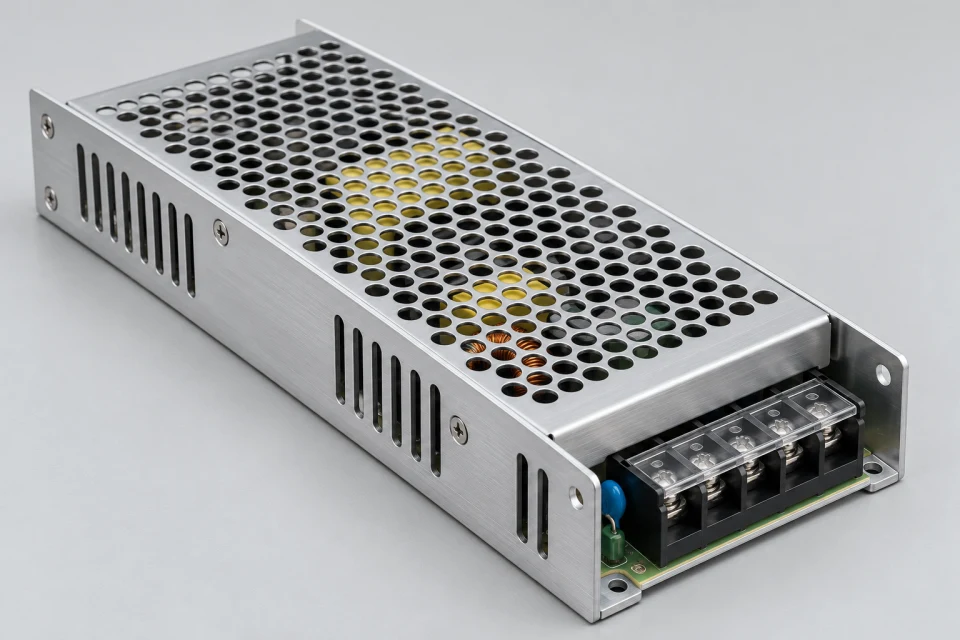
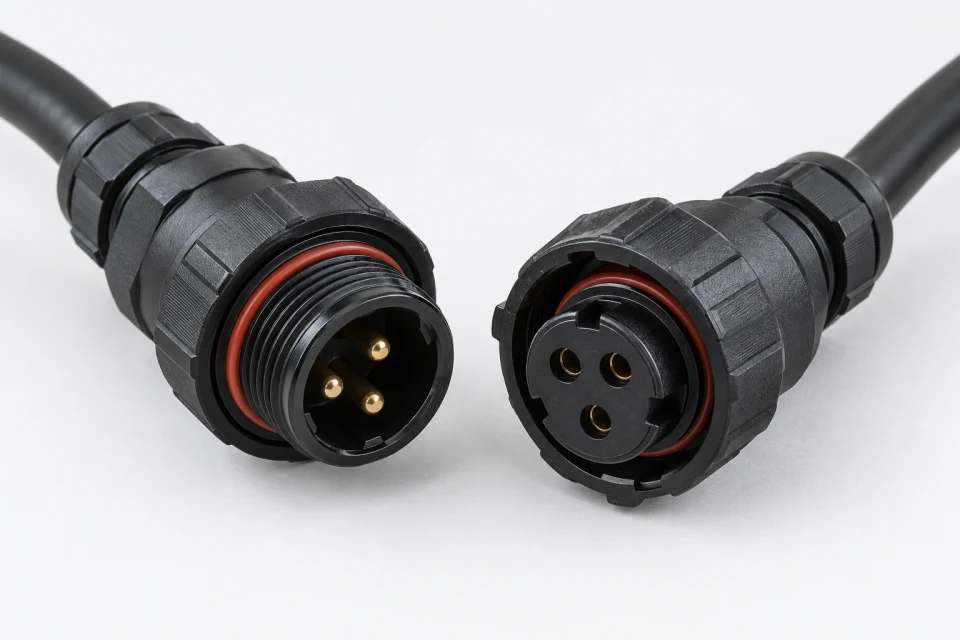
Die-Cast Aluminum LED Cabinet Checklist (PDF)
Record cabinet dimensions, module grid, structural mounting and service direction to check enclosure fit.
Download Checklist (PDF)
Cabinet geometry determines the display grid and how technicians reach modules, receiving cards and power parts.
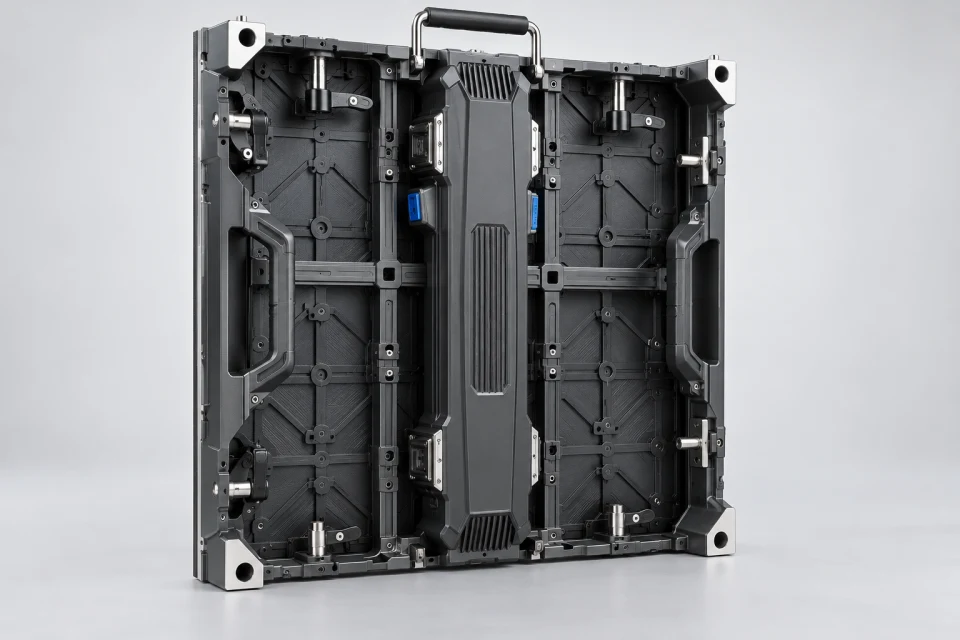
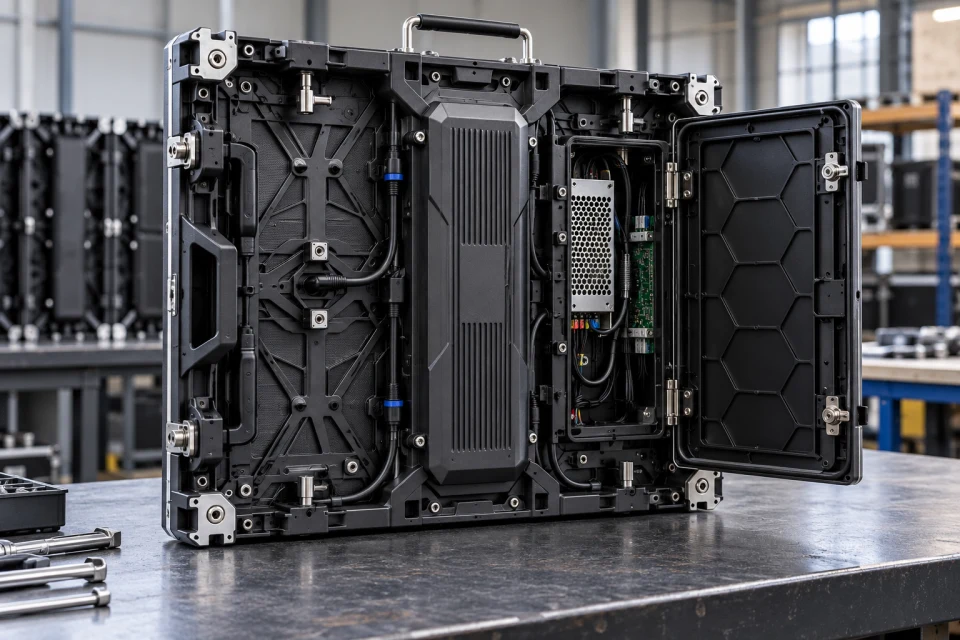
Application: Indoor and outdoor assemblies where a repeatable cabinet format is required.
Interface to check: Match module layout, cabinet dimensions, mounting system, service direction and environmental design.
Service note: Plan spare access and cable routing before the cabinet is fixed to the support structure.



Cabinet fabrication controls the repeatability of the finished screen. Machined datum faces, module fixing points and latch positions are reviewed against the approved drawing before an enclosure is released for assembly.
The design should leave a practical path to the receiver card, power unit and cable connections. For outdoor builds, sealing details and drainage belong to the complete cabinet design rather than a single part.
Cabinet size and module positions affect seam alignment across the finished screen.
Front or rear service direction should match the installation site.
Power and signal cables need planned paths, secure retention and suitable enclosure details.
Record cabinet dimensions, module grid, structural mounting and service direction to check enclosure fit.
Download Checklist (PDF)| Cabinet format | Match overall size and module arrangement |
|---|---|
| Mounting | Confirm structural fixing and alignment method |
| Service direction | Specify front or rear access |
| Environment | Define sealing and drainage requirements |
Verify cabinet grid, module mounting pattern, structural fixing and front or rear service access against the installation drawings.
COMPONENT INQUIRY
Send a cabinet drawing with module grid, mounting method and service direction. We can review the enclosure interfaces and machining points for your assembly plan.