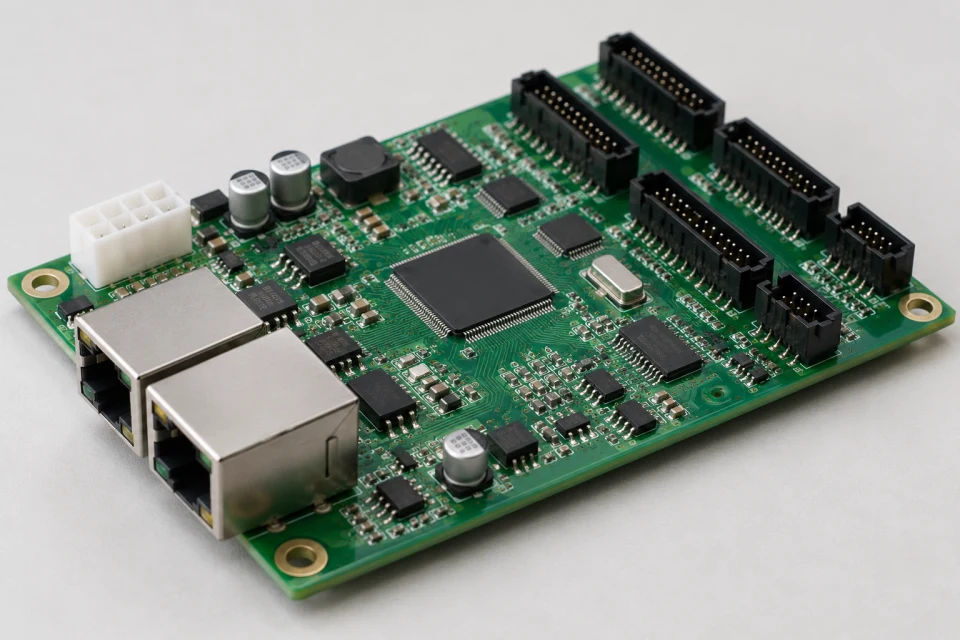
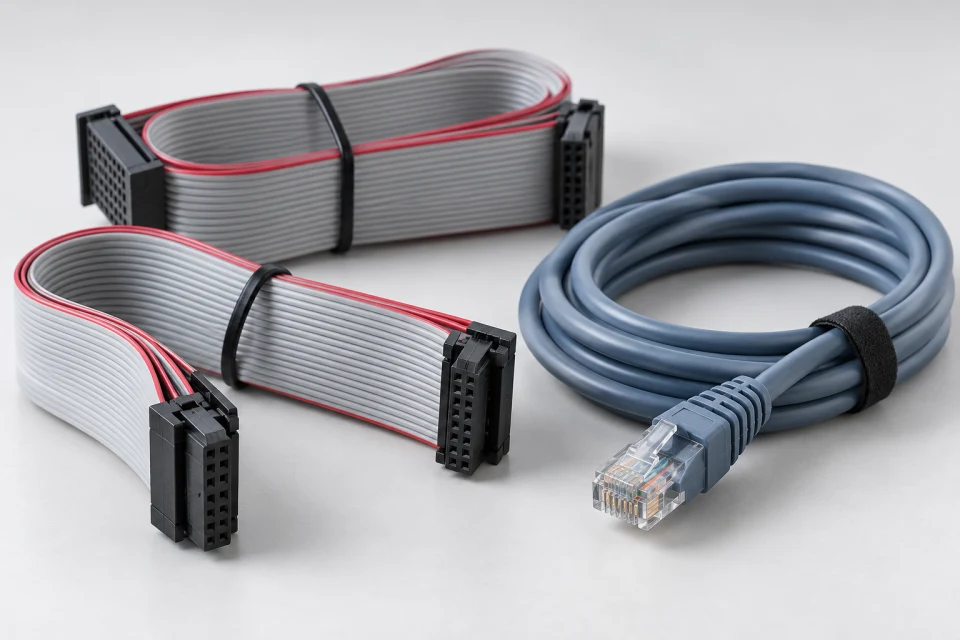
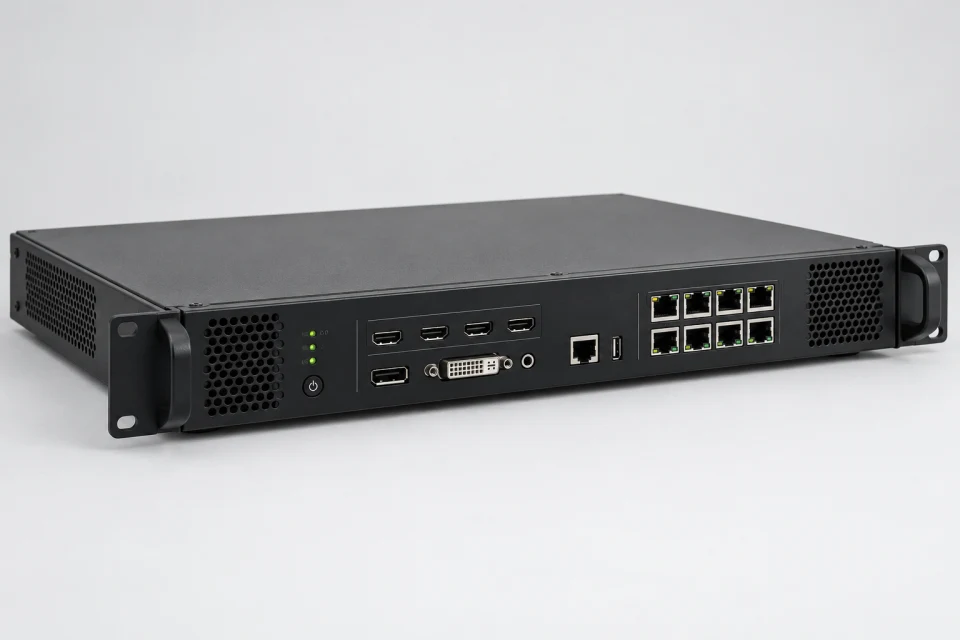
LED Sending Box Checklist (PDF)
Document video input, canvas, output-port loading and receiver family before specifying a sending box.
Download Checklist (PDF)
The sender sits between the video source and the screen network. Source format, output loading and receiver compatibility define the selection.
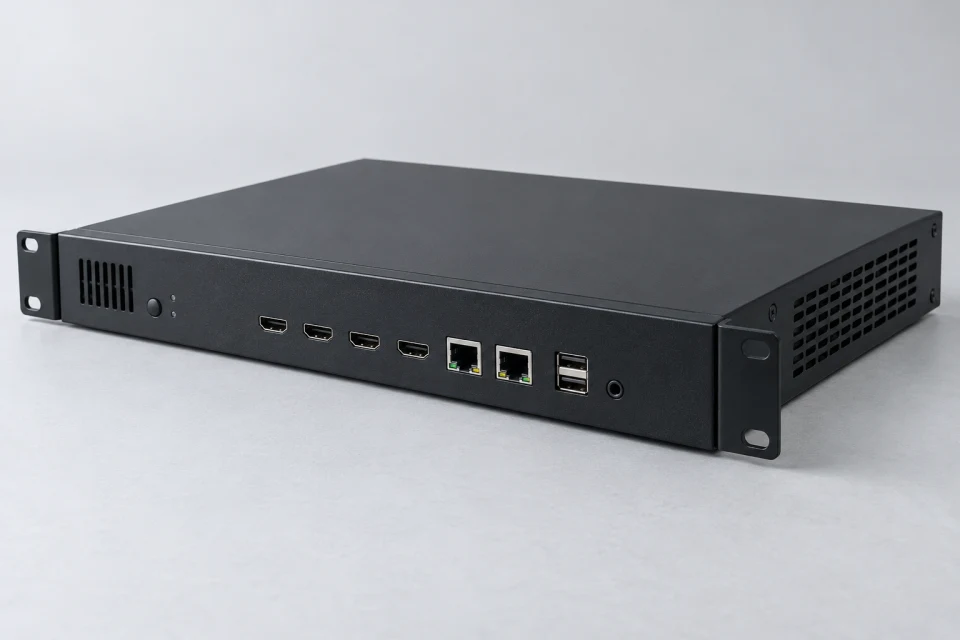

Application: Fixed installations, service replacements and control-room video distribution.
Interface to check: Confirm the intended input source, output-port loading, receiver family and cabinet connection plan.
Service note: Document the screen mapping and retain a copy of the approved configuration for future support.



Sending hardware is planned from the video source through to each cabinet port. Canvas dimensions, frame format and the number of connected pixels establish the required input and output arrangement.
An OEM/ODM control package can include a documented port schedule and installation labels. The commissioning team can then trace each network path against the agreed screen layout.
Match the input format and resolution expected from the playback or processing equipment.
Plan how cabinet pixel counts are distributed across output ports.
Check receiver-card model and software version as part of the same decision.
Document video input, canvas, output-port loading and receiver family before specifying a sending box.
Download Checklist (PDF)| Video input | Confirm source type and required canvas |
|---|---|
| Output plan | Calculate pixels per port and cable route |
| Receiver family | Verify compatibility with installed cards |
| Control files | Store the approved mapping and backup |
Confirm input canvas and per-port pixel loading with the installed receiver family; archive the approved screen mapping before changing the sender.
COMPONENT INQUIRY
Provide the input format, target canvas, planned number of cabinets and receiver-card family. We can review the sender arrangement and the port schedule before you order.