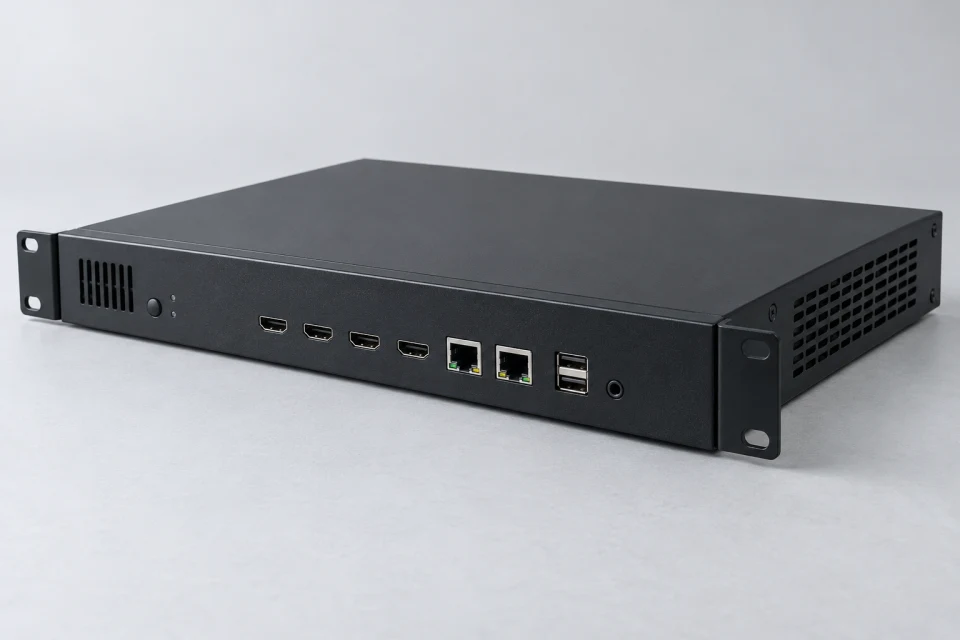
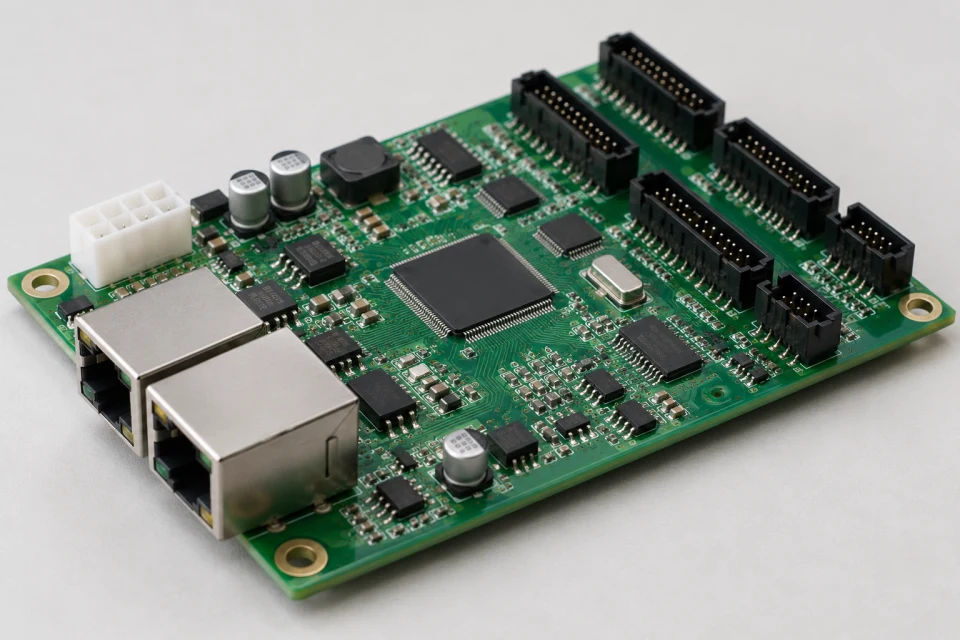
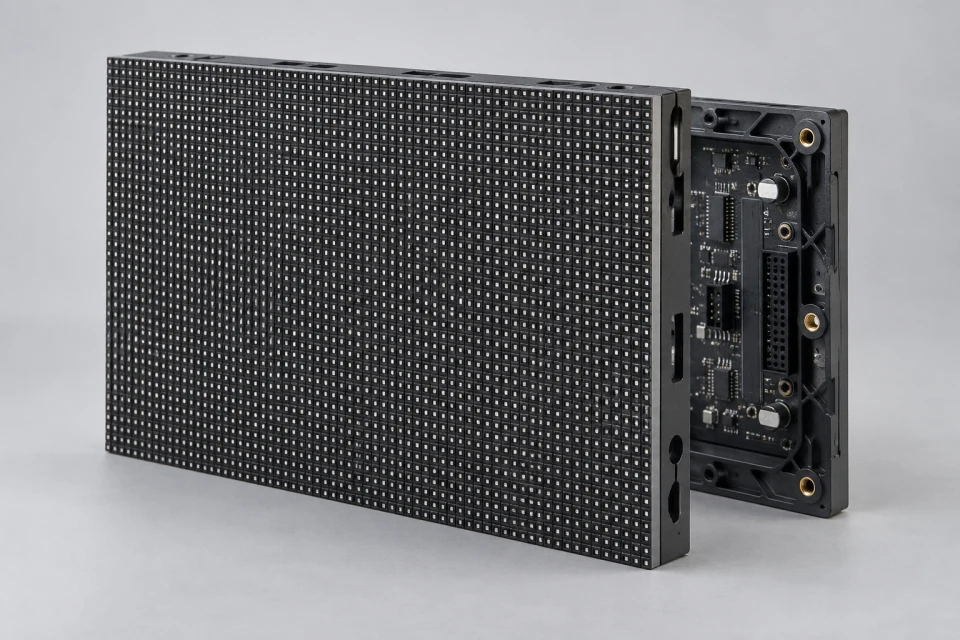
LED Display Control System Checklist (PDF)
Capture source canvas, cabinet order, receiver loading, software version and mapping backups for a control-system review.
Download Checklist (PDF)
The control system links content sources to mapped cabinets. Select the platform with resolution, maintenance workflow and receiver compatibility in view.
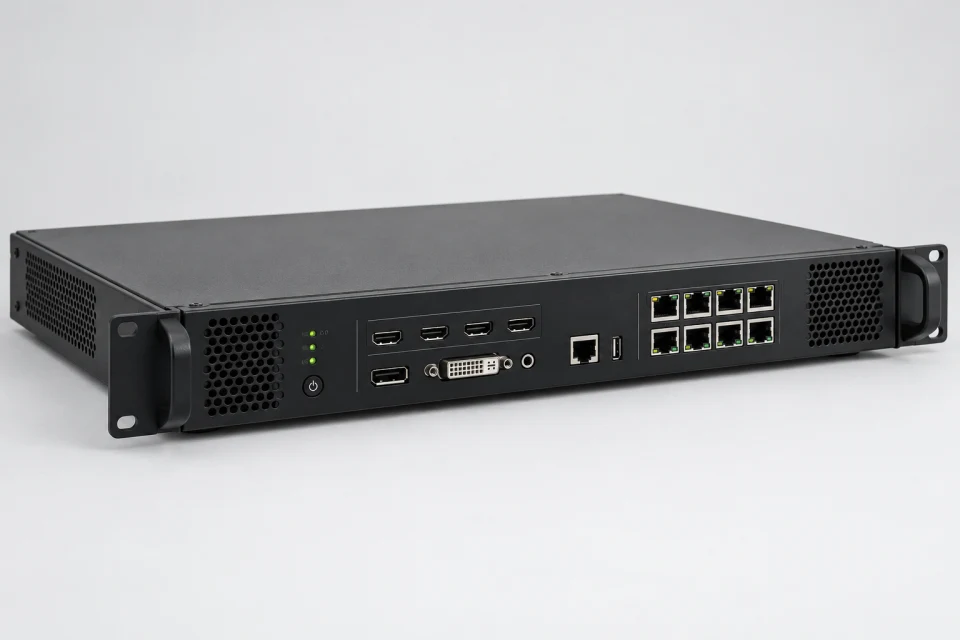
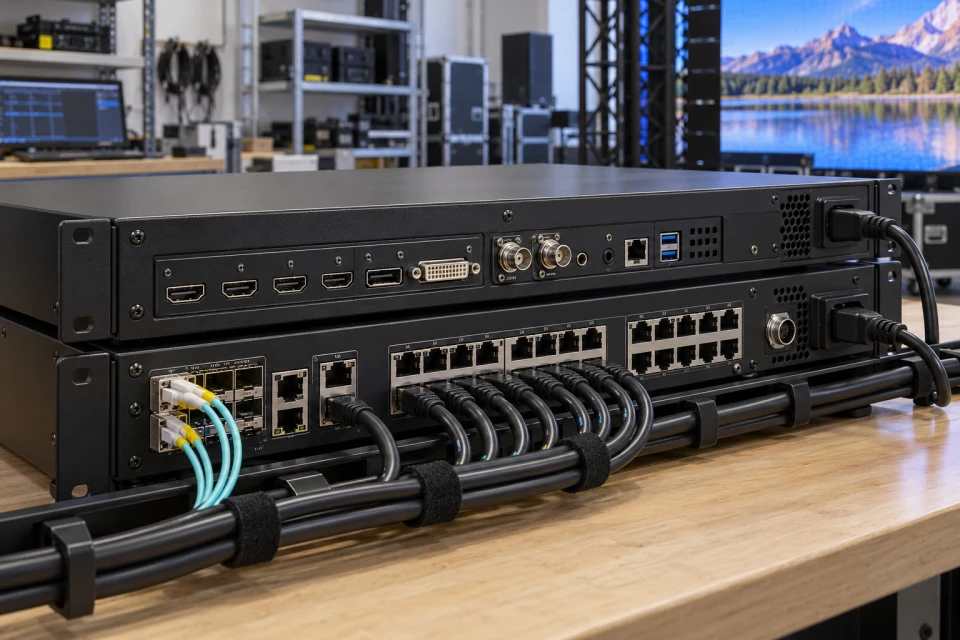
Application: New screen control plans, system refreshes and coordinated replacement of legacy control parts.
Interface to check: Define source inputs, canvas size, sender outputs, receiver loading, cabinet order and software ecosystem.
Service note: Keep approved mapping, firmware and calibration backups with the installation documentation.
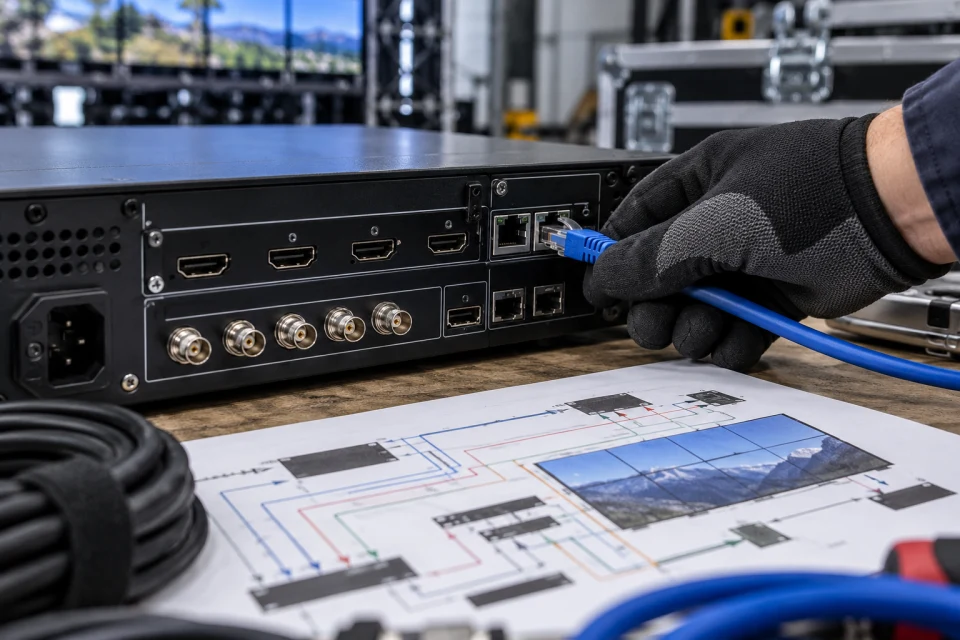

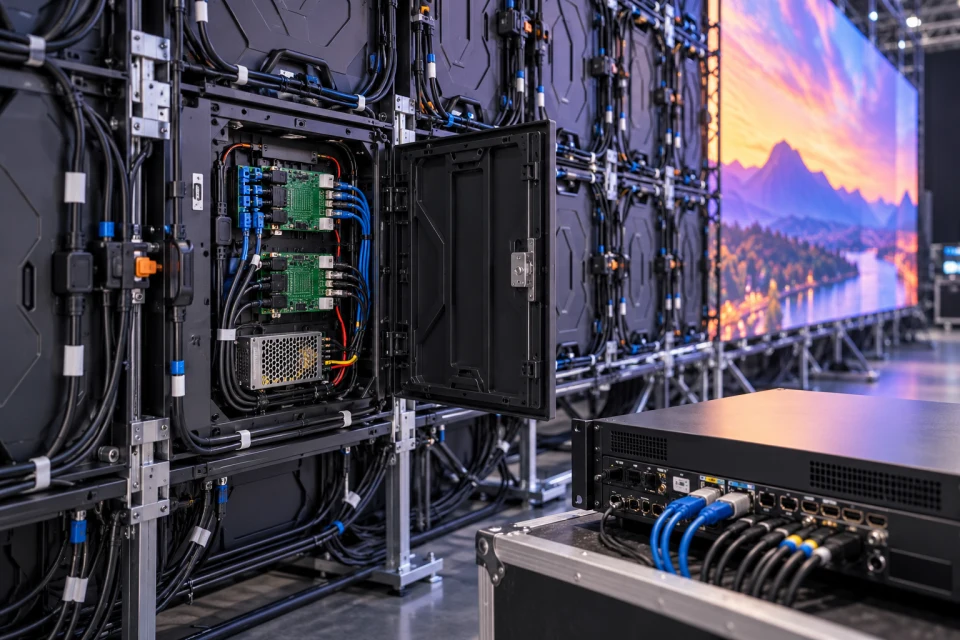
A coordinated control package links the input processor, sender, receivers and module interface. The screen resolution and cabinet sequence provide the basis for port allocation and configuration work.
OEM/ODM documentation can capture the approved firmware, mapping file and calibration handover requirements. That record supports later board replacement without treating each cabinet as an isolated part.
Sender, receiver and HUB interfaces are considered as one path.
Cabinet order and pixel loading form the basis of configuration.
Configuration backups help make future maintenance more predictable.
Capture source canvas, cabinet order, receiver loading, software version and mapping backups for a control-system review.
Download Checklist (PDF)| Canvas | Confirm source and display pixel dimensions |
|---|---|
| Receiver loading | Calculate pixels and ports by cabinet |
| Platform | Verify sender, receiver and software compatibility |
| Documentation | Retain approved mapping and firmware reference |
Confirm the complete sender-receiver-software platform, port loading and cabinet order; retain firmware, mapping and calibration backups.
COMPONENT INQUIRY
Provide the screen resolution, cabinet order, sender and receiver models, and available mapping files. We can review the coordinated control parts and documentation.