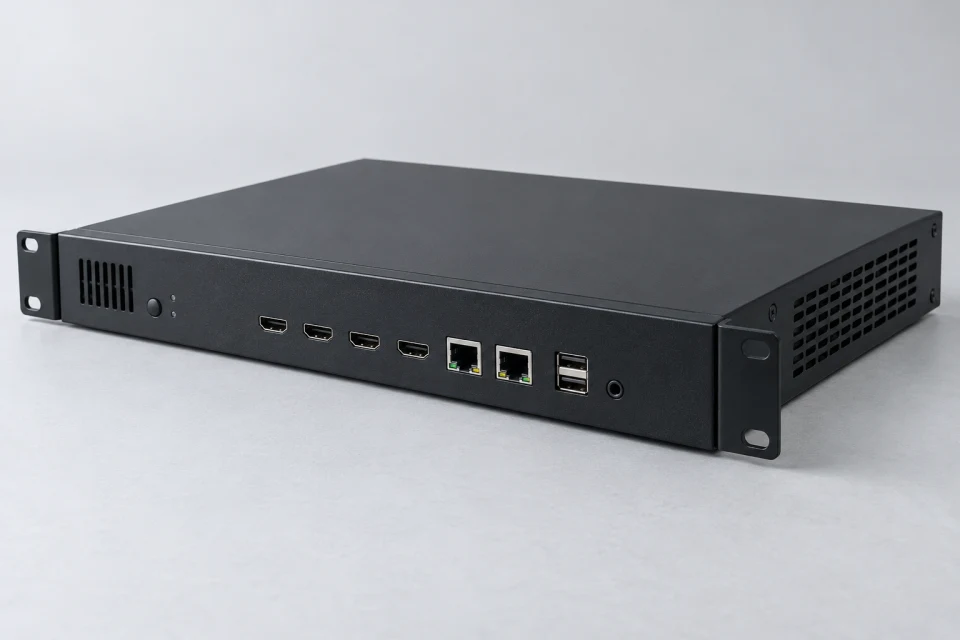
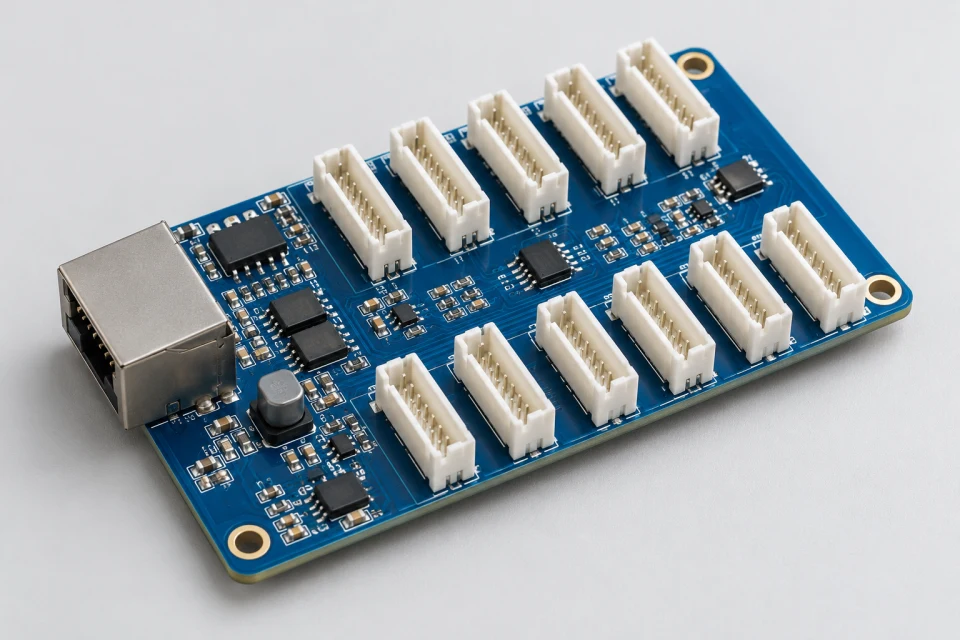
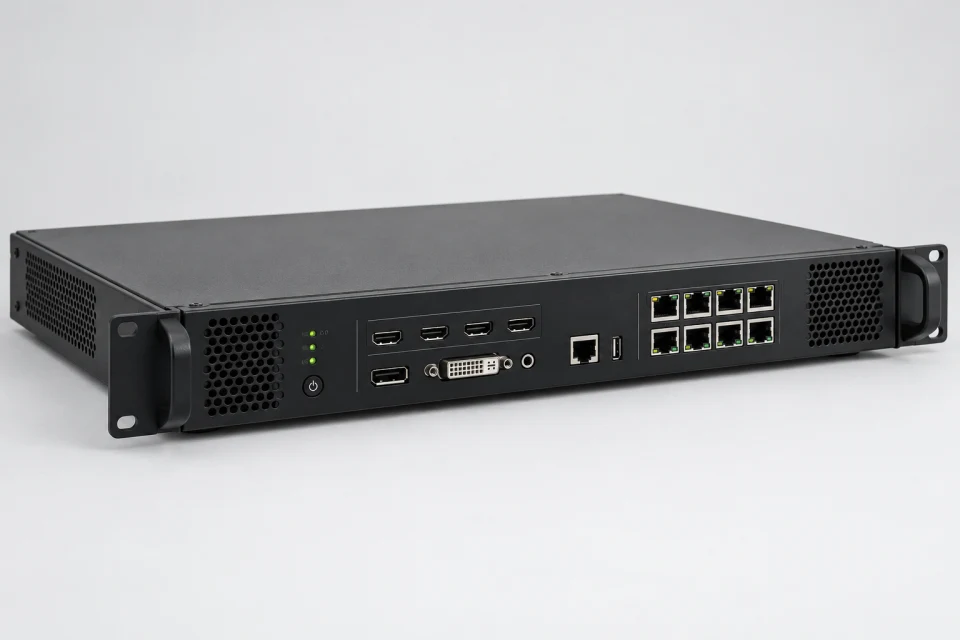
LED Receiving Card Checklist (PDF)
Collect sender platform, cabinet pixel loading, HUB pin mapping and configuration backups for a receiving-card review.
Download Checklist (PDF)
A receiver translates the incoming signal into the module arrangement inside a cabinet. Platform, loading and mapping must all be confirmed.
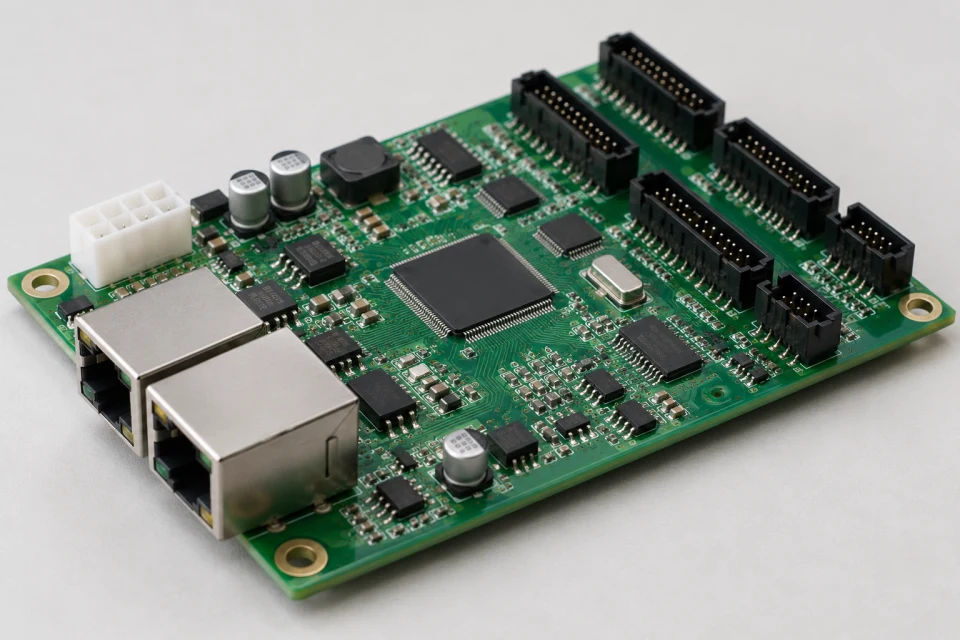
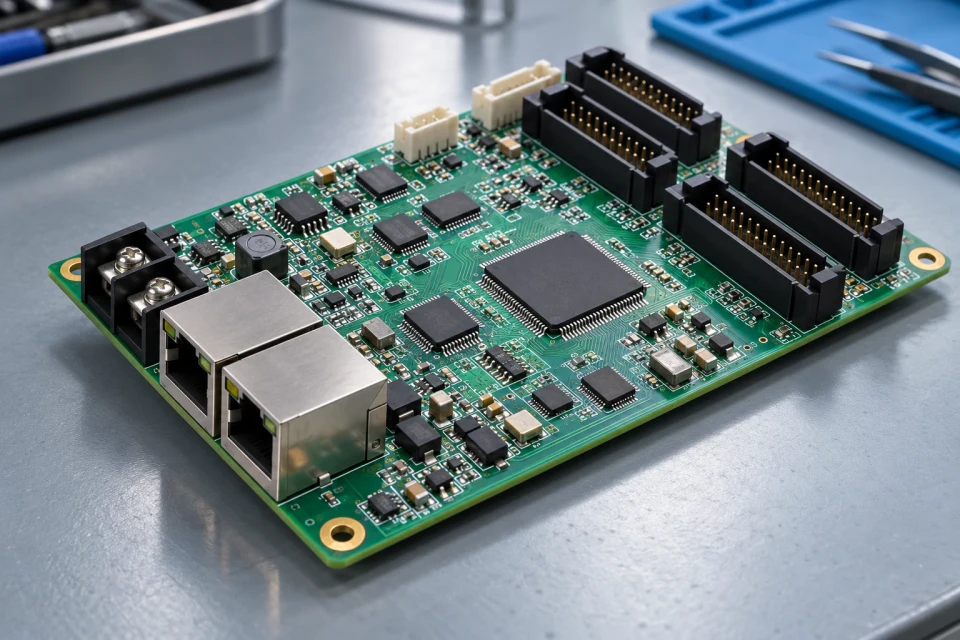
Application: Control-card replacement, cabinet assembly or a revised display mapping plan.
Interface to check: Check sender family, network ports, HUB-board connection, supported loading and firmware before substitution.
Service note: Back up the current configuration and calibration files where available before replacing a card.
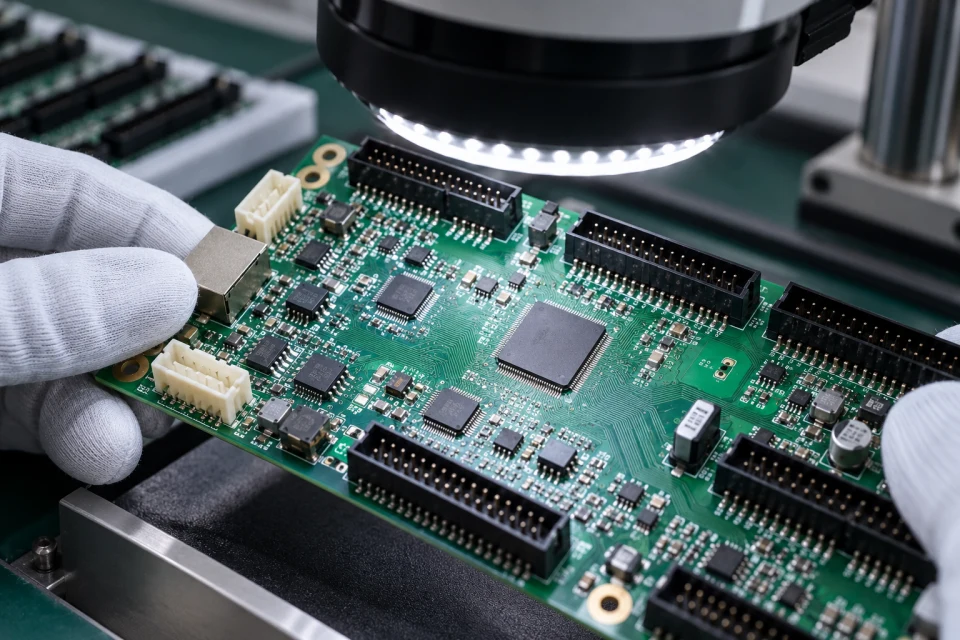
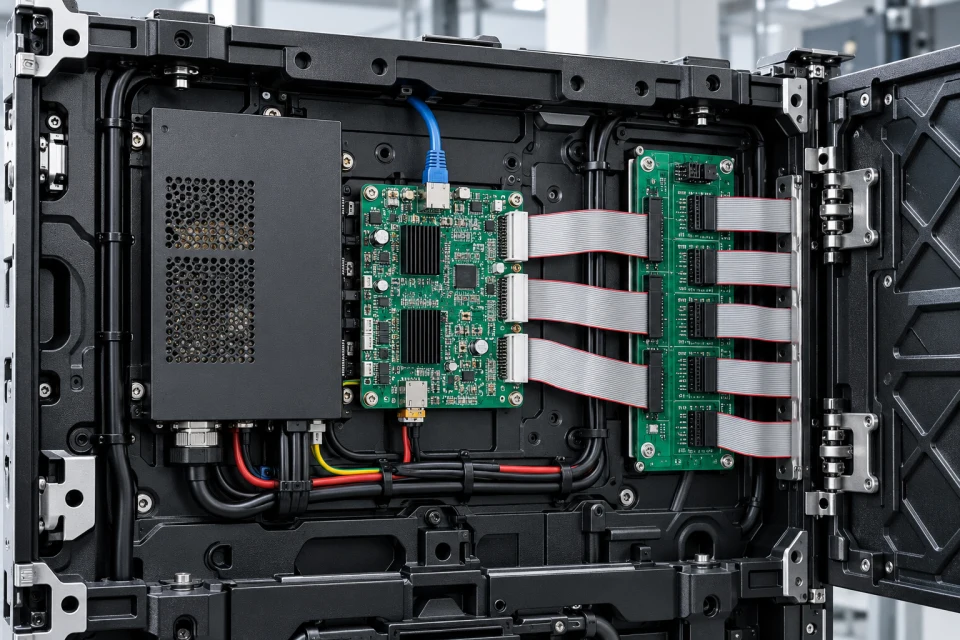
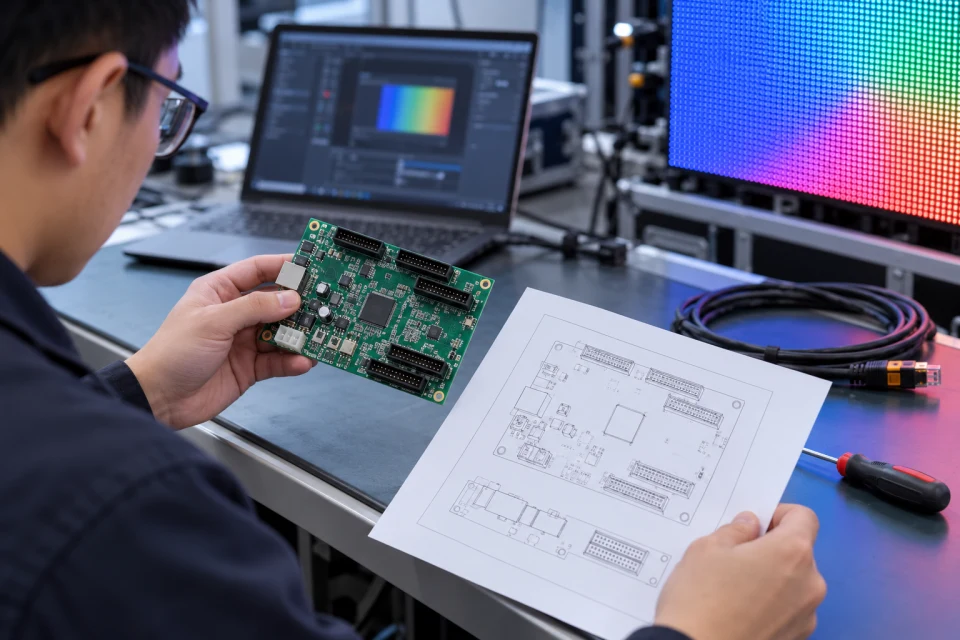
A receiving card is specified around the installed control ecosystem rather than its connector shape alone. The cabinet pixel count, available output groups and required software version guide the card and HUB pairing.
Before shipment for a service job, the card label and saved configuration should be compared with the proposed substitute. This reduces time spent rebuilding mapping or calibration settings at the screen.
Receiver and sender must belong to a compatible control ecosystem.
Pixel count and cabinet layout determine the required capacity and port assignment.
Mapping and calibration records help restore a screen after maintenance.
Collect sender platform, cabinet pixel loading, HUB pin mapping and configuration backups for a receiving-card review.
Download Checklist (PDF)| Sending controller | Provide make, model and firmware reference |
|---|---|
| Cabinet resolution | Calculate total pixels connected to each card |
| HUB interface | Verify connector and signal mapping |
| Configuration | Retain original receiver settings if available |
Retain the original receiver configuration and calibration backup; confirm sender platform, loading and HUB pin mapping before substitution.
COMPONENT INQUIRY
Share the receiver label, sender platform, cabinet pixel count and any saved configuration. A connector photo helps us check the proposed card against the installed HUB interface.