LED Display Module Checklist (PDF)
Record module pitch, size, scan mode, mounting pattern and calibration references before requesting a replacement match.
Download Checklist (PDF)
The module defines the visible pixel grid. Select it with the cabinet opening, receiver-card configuration and existing color characteristics in mind.
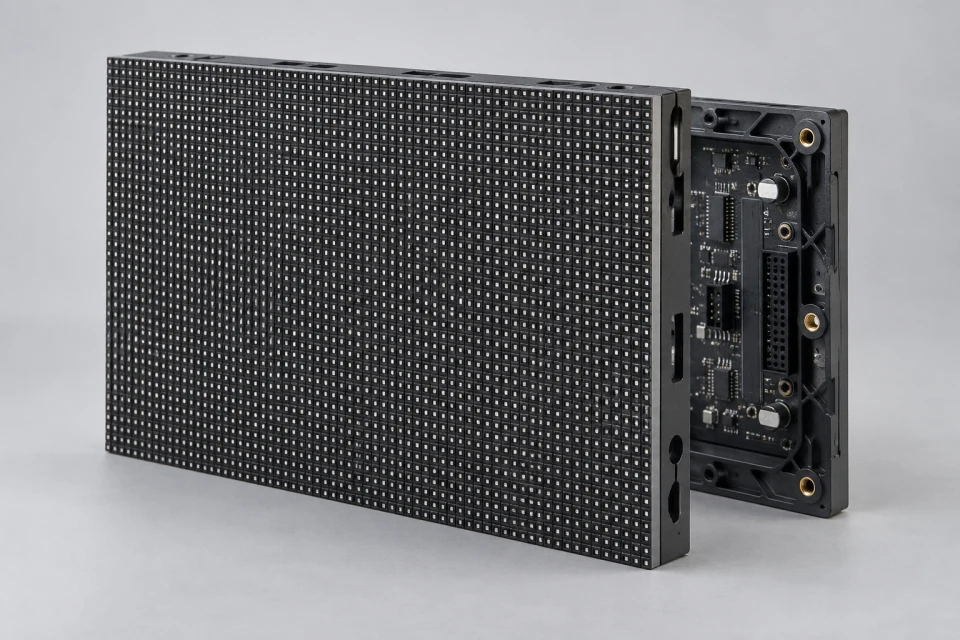
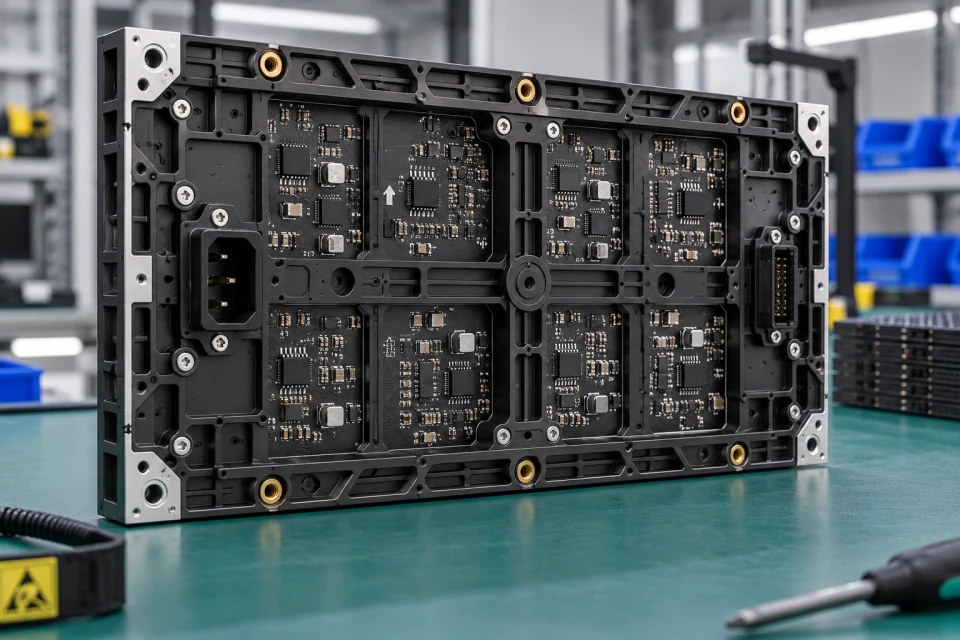
Application: Replacement of a failed panel or specification of a new indoor or outdoor LED display face.
Interface to check: Compare width, height, pixel resolution, mounting pattern, scan mode and HUB connector before ordering.
Service note: Confirm front or rear access and keep model and calibration references with the spare inventory.

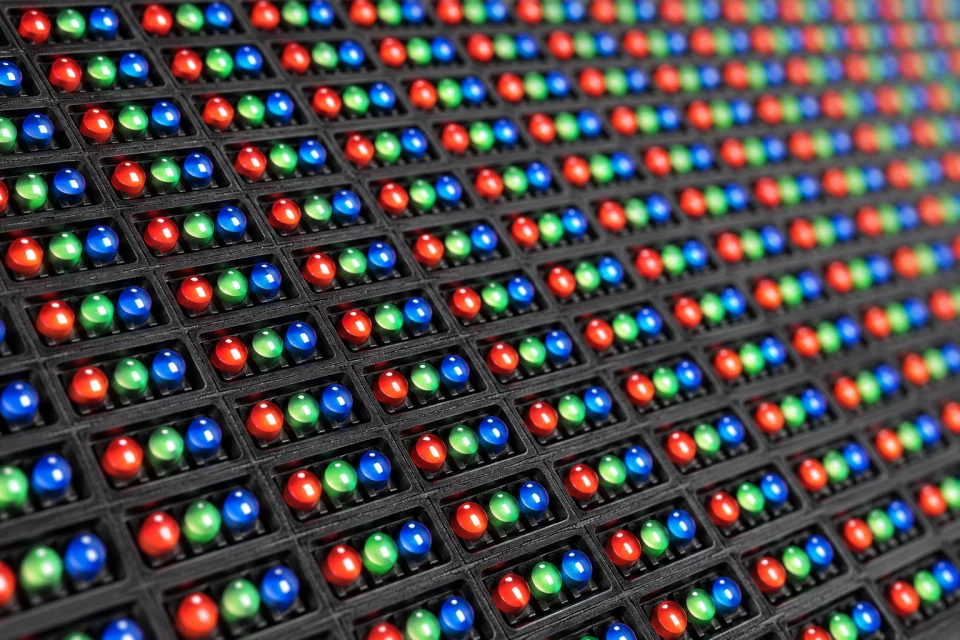
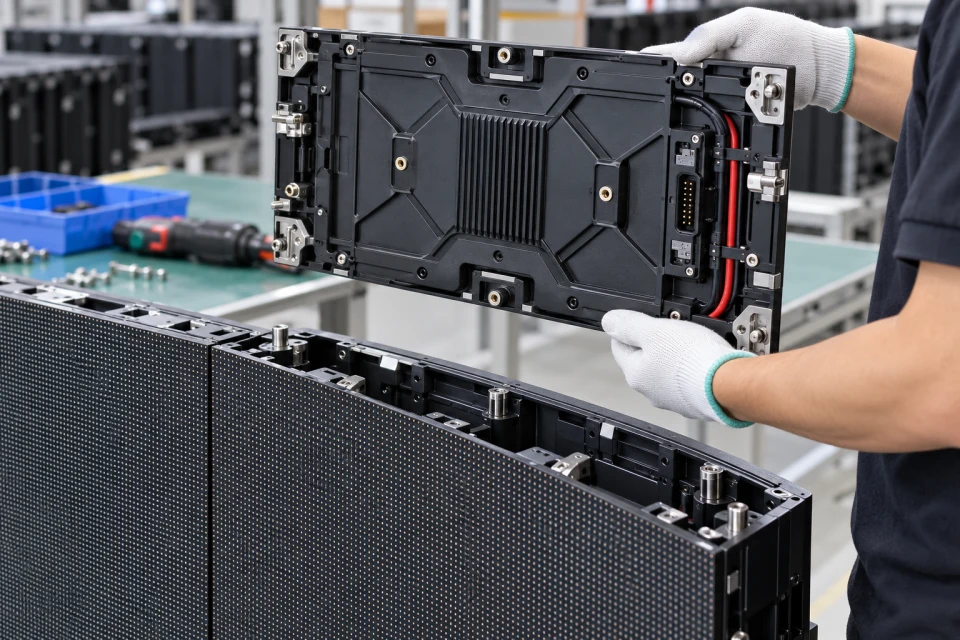
For an OEM module build, the LED package, PCB layout, driver configuration and surface finish are reviewed as a matched assembly. Mechanical drawings and the approved control file help keep the pixel grid consistent across a larger display.
Replacement supply needs an additional visual check. Color calibration records, viewing conditions and the age of adjoining panels affect whether a new module will blend into an existing wall after installation.
Pitch and resolution set the pixel grid; brightness and calibration affect how a new panel blends with the existing screen.
The module outline and fixing points must match the cabinet or mounting frame.
Scan mode, driver configuration and connector pinout must agree with the HUB and receiver card.
Record module pitch, size, scan mode, mounting pattern and calibration references before requesting a replacement match.
Download Checklist (PDF)| Pixel pitch | Confirm from the approved display design |
|---|---|
| Module size | Match measured width, height and fixing points |
| Pixel resolution | Match cabinet mapping and receiver loading |
| Electrical interface | Verify voltage, scan mode and pinout |
Record module pitch, outline, scan configuration and color-matching reference; confirm the exact replacement against the installed cabinet and receiving card.
COMPONENT INQUIRY
Send the module label, measured outline, pixel pitch and a photo of the neighbouring panels. We can review mechanical fit and the visual matching information needed for a replacement batch.