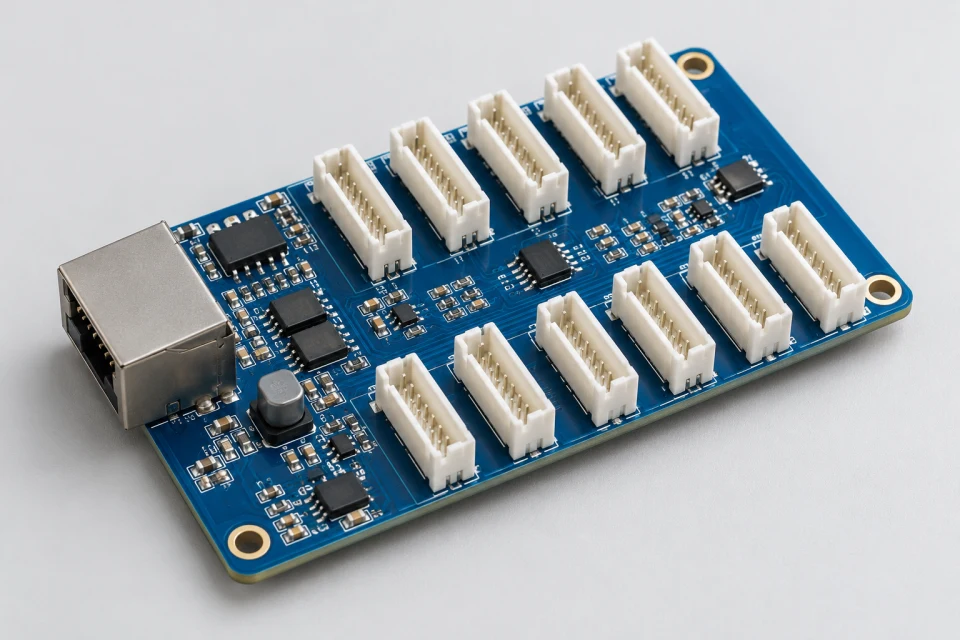
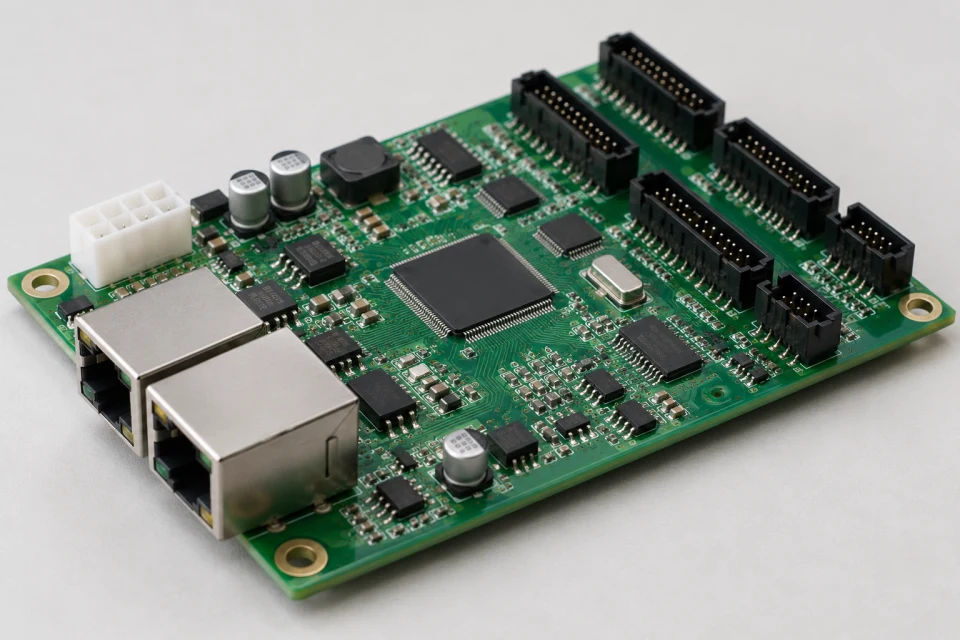
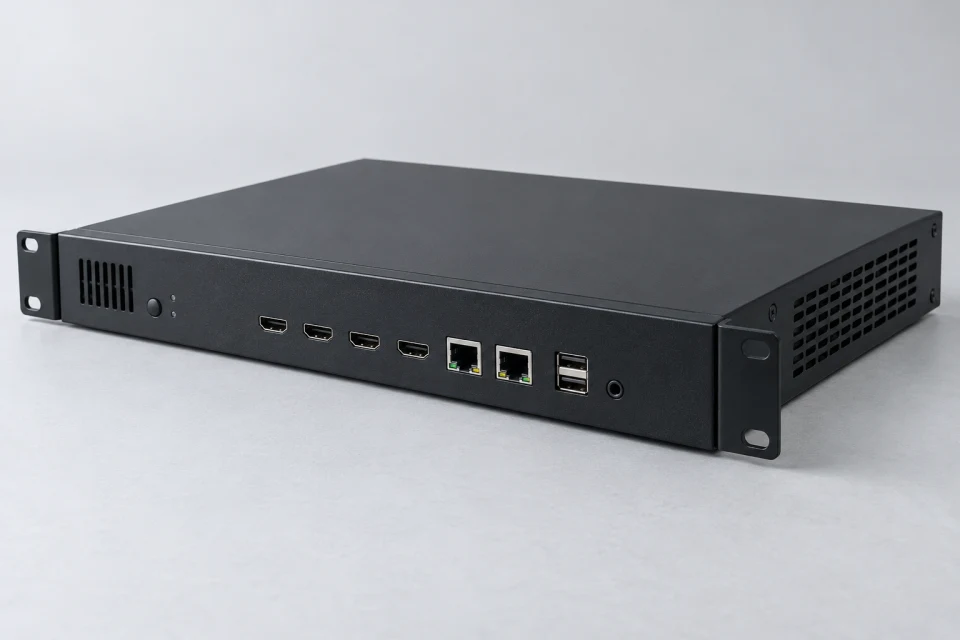
LED Ribbon and Signal Cable Set Checklist (PDF)
Note connector type, pin count, cable route, length and exposure conditions for a compatible signal cable set.
Download Checklist (PDF)
A reliable data path depends on the correct conductor layout, connector orientation, length and routing.
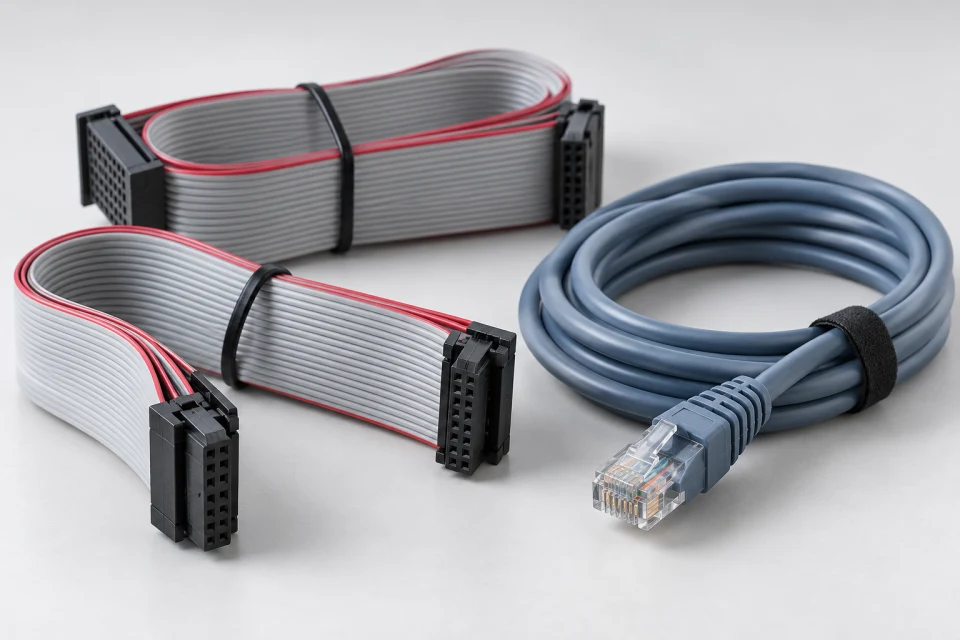
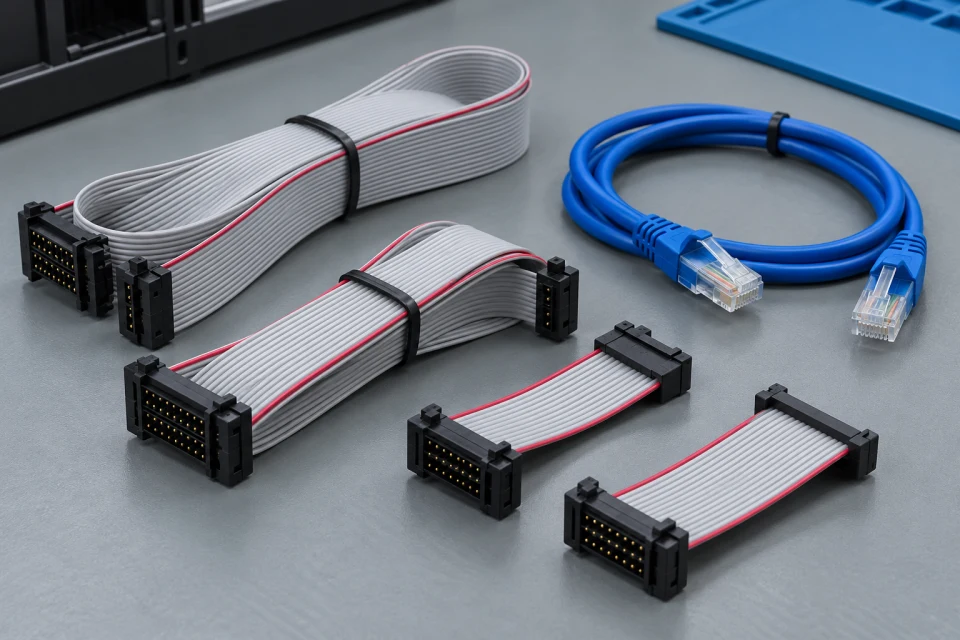
Application: HUB-to-module connections and cabinet-to-cabinet signal routing.
Interface to check: Check pin count, keying, length, bend clearance, controller port and the expected installation path.
Service note: Label both ends and keep spare leads matched to the approved cabinet wiring arrangement.
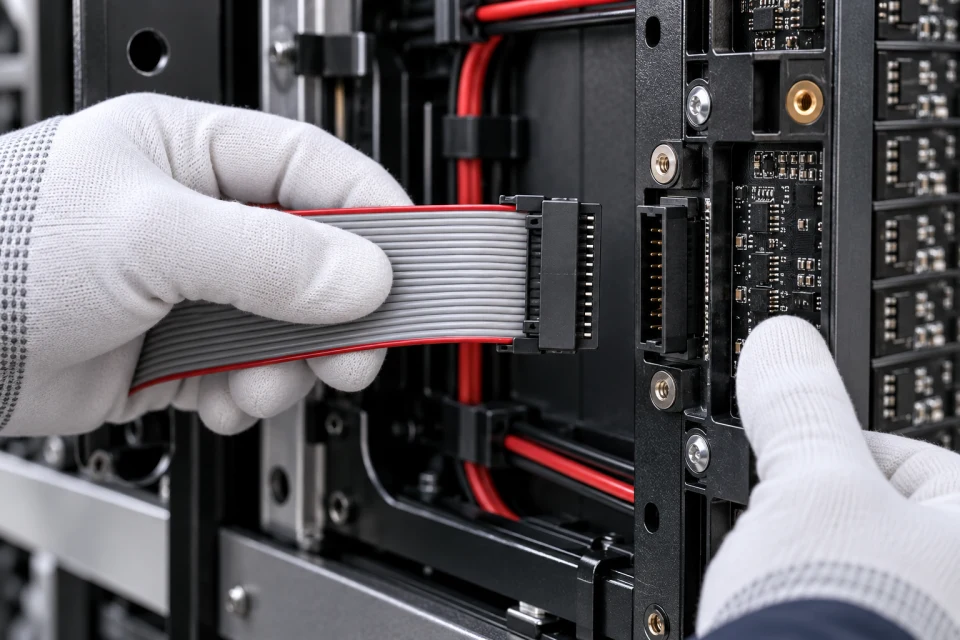
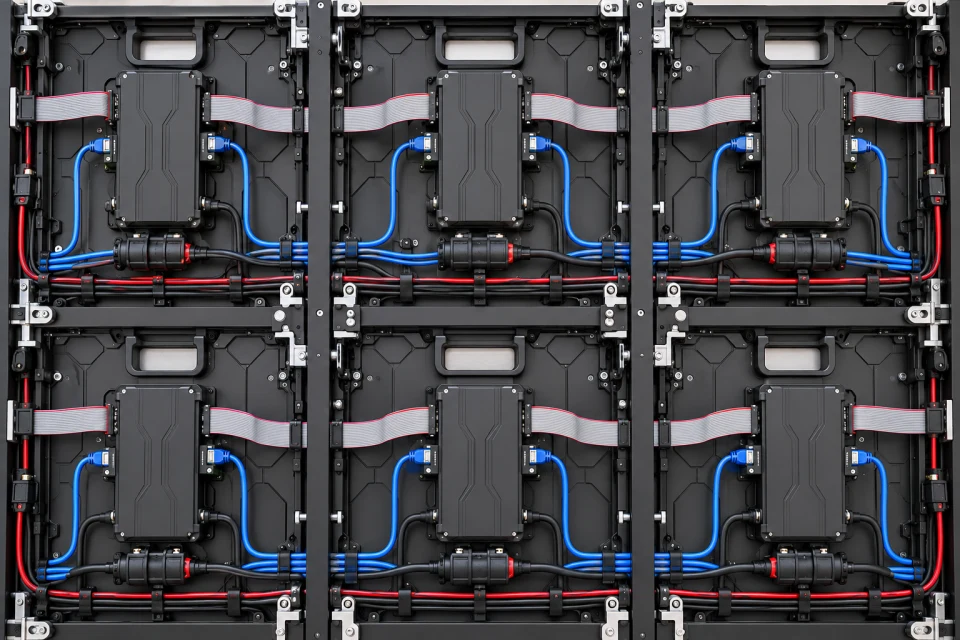
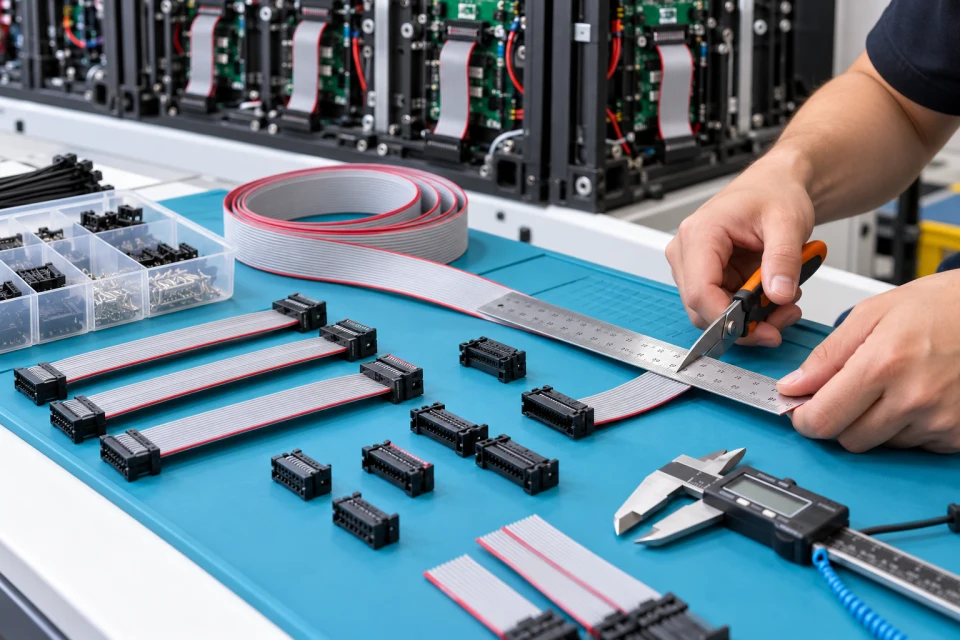
Cable sets can be cut and terminated to the approved cabinet layout, with length allowance for installation and future service. Connector keying and conductor assignment must follow the control system design.
Routing should avoid strain and keep signal paths identifiable beside power wiring. A cable schedule with both end labels helps the assembly team and later maintenance crew trace the same connection.
Connector keying and ribbon direction must follow the HUB and module pinout.
Choose lengths that reach the connection without strain or excessive loose cable.
Labels and separation from power wiring simplify troubleshooting.
Note connector type, pin count, cable route, length and exposure conditions for a compatible signal cable set.
Download Checklist (PDF)| Connector | Match type, pin count and orientation |
|---|---|
| Length | Measure installed route and service allowance |
| Signal path | Check HUB and controller port assignment |
| Environment | Specify internal or weather-exposed use |
Measure the installed route and check connector keying, pin count and bend clearance; label both cable ends for later service.
COMPONENT INQUIRY
Share the connector photographs, pin count, measured cable route and installation conditions. We can discuss a labelled cable set for the cabinet wiring plan.